Multimedia in an Early Childhood Classroom

In this post, I will be discussing multimedia while reflecting upon and sharing my own use of multimedia in my previous year 1 classroom.

What is multimedia?

Multimedia learning is learning from words and pictures (Mayer, 2014).

What is the multimedia learning hypothesis?

The multimedia learning hypothesis is the theory that people learn better when provided with both words and pictures, rather than words alone (Mayer, 2014). This theory is based on the idea of cognitive load and information processing theories, that posit that the human mind is akin to a computer that interprets, stores and retrieves information (Duchesne, McMaugh, Bochner & Krause, 2013). It is built upon three assumptions: The dual-channel assumption, the limited capacity assumption, and the active processing assumption (Mayer, 2014).

How can we use multimedia learning theory effectively?

Mayer (2014) lists five guiding principles for using multimedia to minimise cognitive load.

  1. Coherence: Multimedia must be relevant to the instructional goal
  2. Signalling: Use cues to direct the learner towards focus material
  3. Redundancy: Remove or reduce redundant material – for example, including either text or spoken words rather than one or the other
  4. Spatial Contiguity: Place illustrations near to relevant text to reduce the need for searching for information
  5. Temporal Contiguity: Present corresponding pictures and words simultaneously

How does this work in an early childhood setting?

Mclean & Wetzel (1997) state that “on its own, multimedia software cannot provide the rich learning opportunities that are so highly valued in experiential early childhood curriculum approaches” (p. 9). However, this does not mean to say to remove multimedia altogether – just that educators should not rely solely on multimedia representations of content. Young children require hands-on experiences and supportive interactions (Department of Education, Employment and Workplace Relations [DEEWR], 2009). However, I would argue that this necessity is not unique to early childhood students, and would likely apply to most primary and even secondary students.

How do I use multimedia in a year 1 classroom?

I use PowerPoint extensively in my classroom, especially for “warm-up” exercises. Below is a selection of some screenshots from some of my warm-ups. In the captions are a brief description of how I used the slide and a brief reflection on how it does or doesn’t adhere to Mayer’s principles.
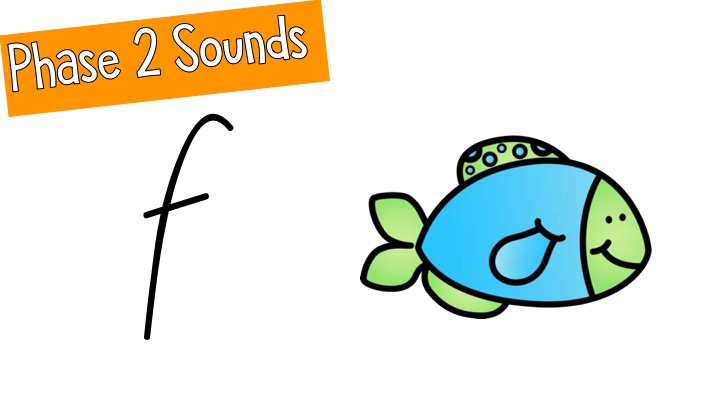
This is for practicing our sounds during literacy. Students will say the sound three times. The image here is removed as students build their fluency in recognising the letters. The writing in the orange box is for me rather than the students, but perhaps I could remove this redundant information and place it on the first slide only.
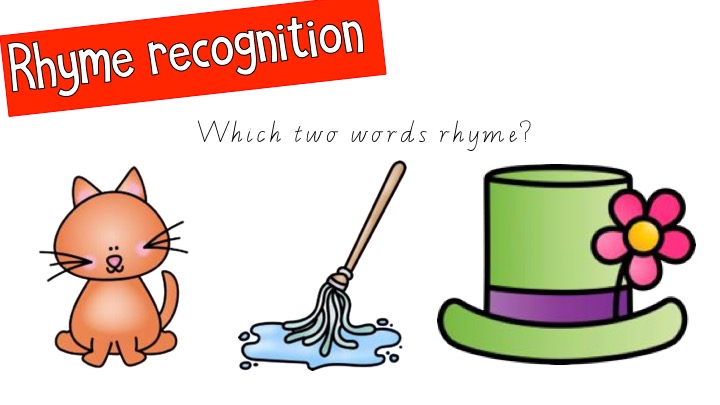
I purposely use images here as students can identify the words faster than if they were written, as the focus skill is rhyming. I could have removed some of the text as it is redundant having both “Rhyme recognition” and the question.
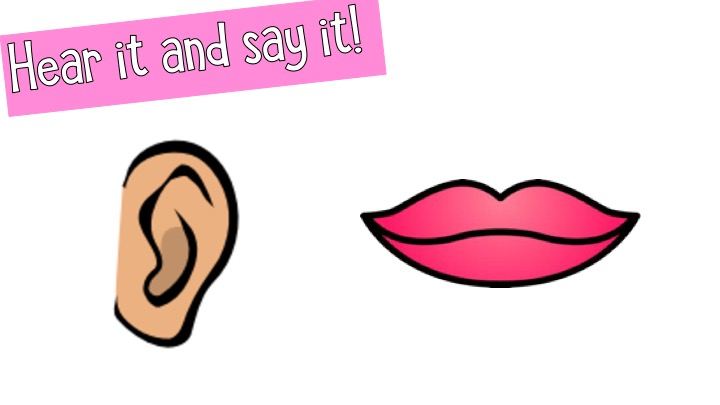
This is an instructional slide, as when we learn a new focus sound, we hear it and say it. These visual prompts are to remind students what the instructions were. I think having the visuals without text here is an example of reducing redundant material, as I would give verbal instructions alongside this slide anyway.
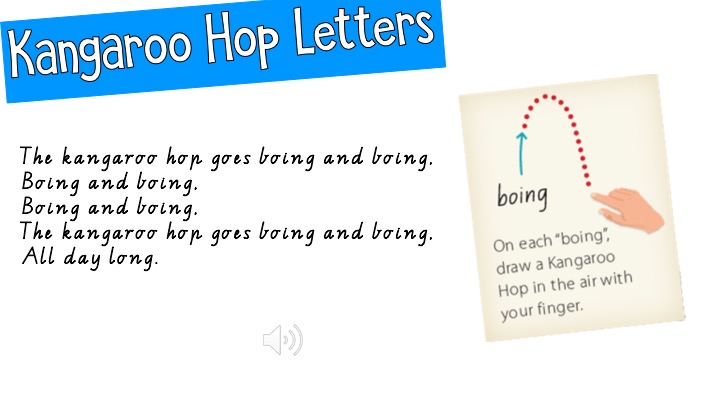
This is a handwriting warm up. The speaker button plays a song that we sing for handwriting. Song and lyrics are from Writing Time. This slide does have a lot of information on it for a Year 1, so it would be necessary for me to use signalling, perhaps with a mouse or pointer, to get students to attend to relevant information.
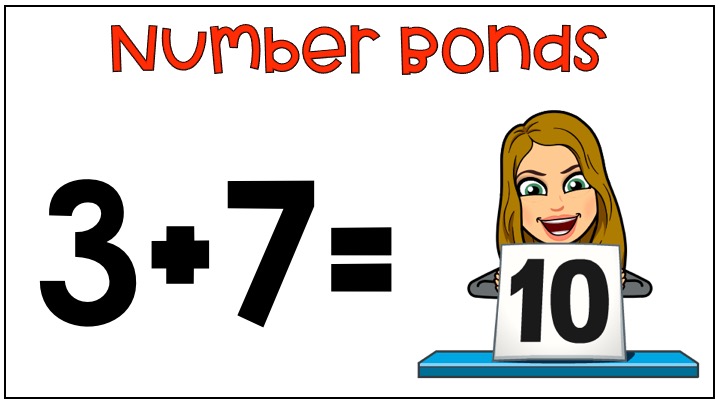
This is a fluency slide where we practice our number bonds to ten. I added a Bitmoji of myself for a bit of fun as it does seem to get the students attention. However, it could be interpreted as a lack of relevance to the instructional goal and therefore lack the coherence principle.
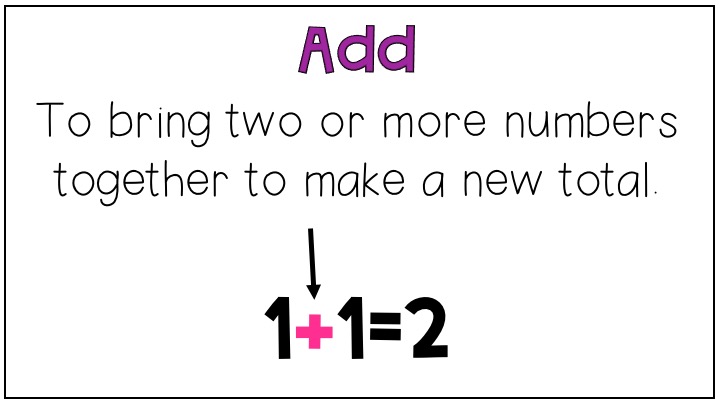
This slide can be used for instruction initially, but as revision later. This slide features the signalling principle, where the + symbol is in a different colour as well as having an arrow pointed to it.

References

Department of Education, Employment and Workplace Relations. (2009). Belonging, being and becoming: The early years learning framework for Australia. Retrieved from https://docs.education.gov.au/system/files/doc/other/belonging_being_and_becoming_the_early_years_learning_framework_for_australia_0.pdf

Duchesne, S., McMaugh, A., Bochner, S., & Krause, K. (2013). Educational Psychology for Learning and Teaching (4th ed.). South Melbourne, VIC: Cengage Learning. 

Mayer, R. (Ed.). (2014). The Cambridge Handbook of Multimedia Learning. Cambridge: Cambridge University Press.

Mclean, S., & Wetzel, K. (1997). Confronting the Paradox of Multimedia in Early Childhood Education: A Multidisciplinary Workshop. Journal of Computing in Teacher Education, 14(1), 5-10.
Self-evaluation of a lesson using TPACK

Today I am going to take a closer look at the TPACK Framework and use a self-assessment tool to reflect upon and evaluate one of my past lesson sequences that used technology. TPACK-based rubrics are beneficial for practicing teachers to support their technology-enhanced learning design practices (Bower, 2017).

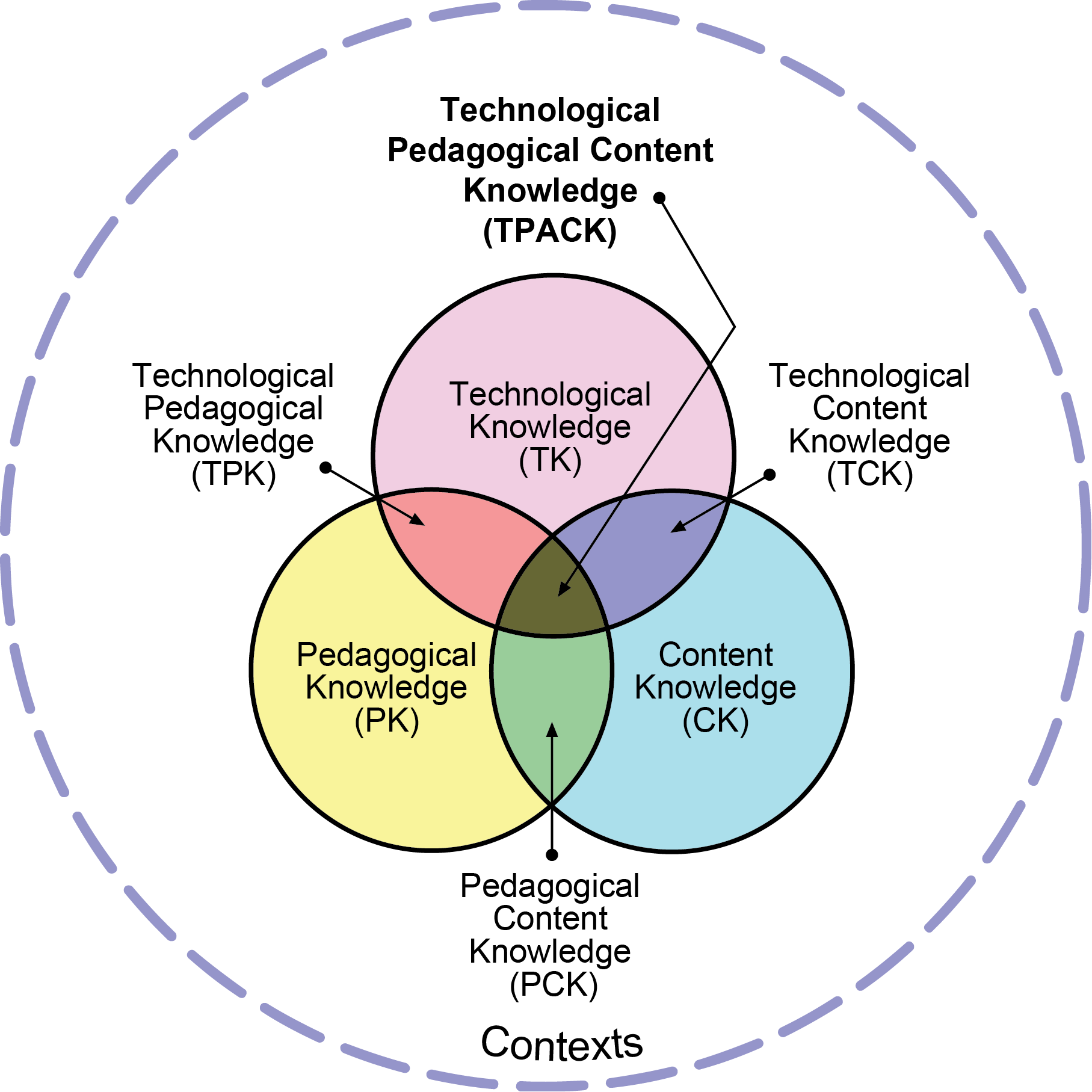
The Technology Pedagogy and Content Knowledge model was developed by Mishra and Koehler (2006) to ensure the integration of technology into educators’ pedagogy, rather than technology being integrated with a lack of theoretical grounding. The framework consists of three interrelated aspects: pedagogical knowledge, technological knowledge, and content knowledge that are surrounded by context.


(Tpack.org, 2012)

You can find more about how TPACK works by watching this video.


THE LESSONS

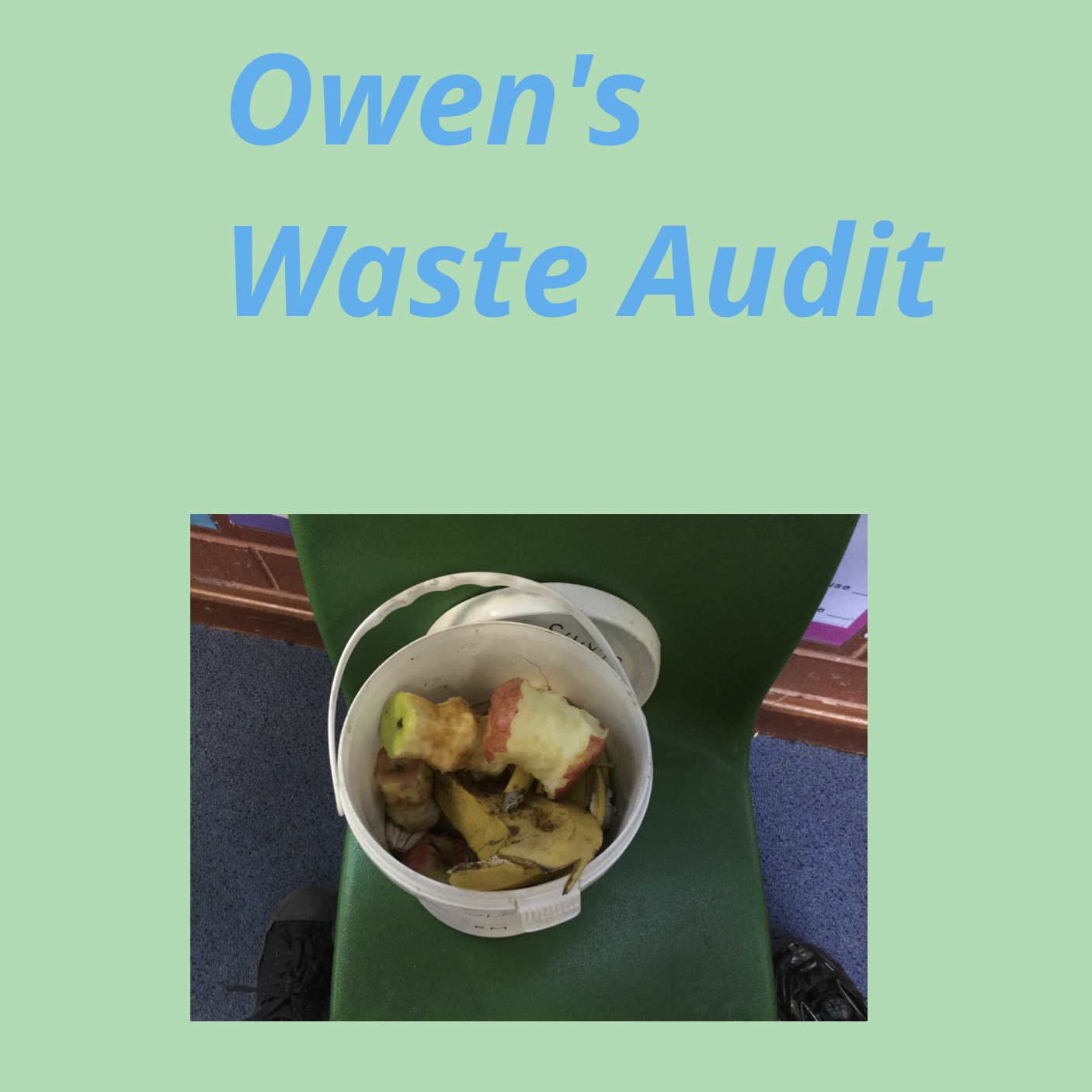
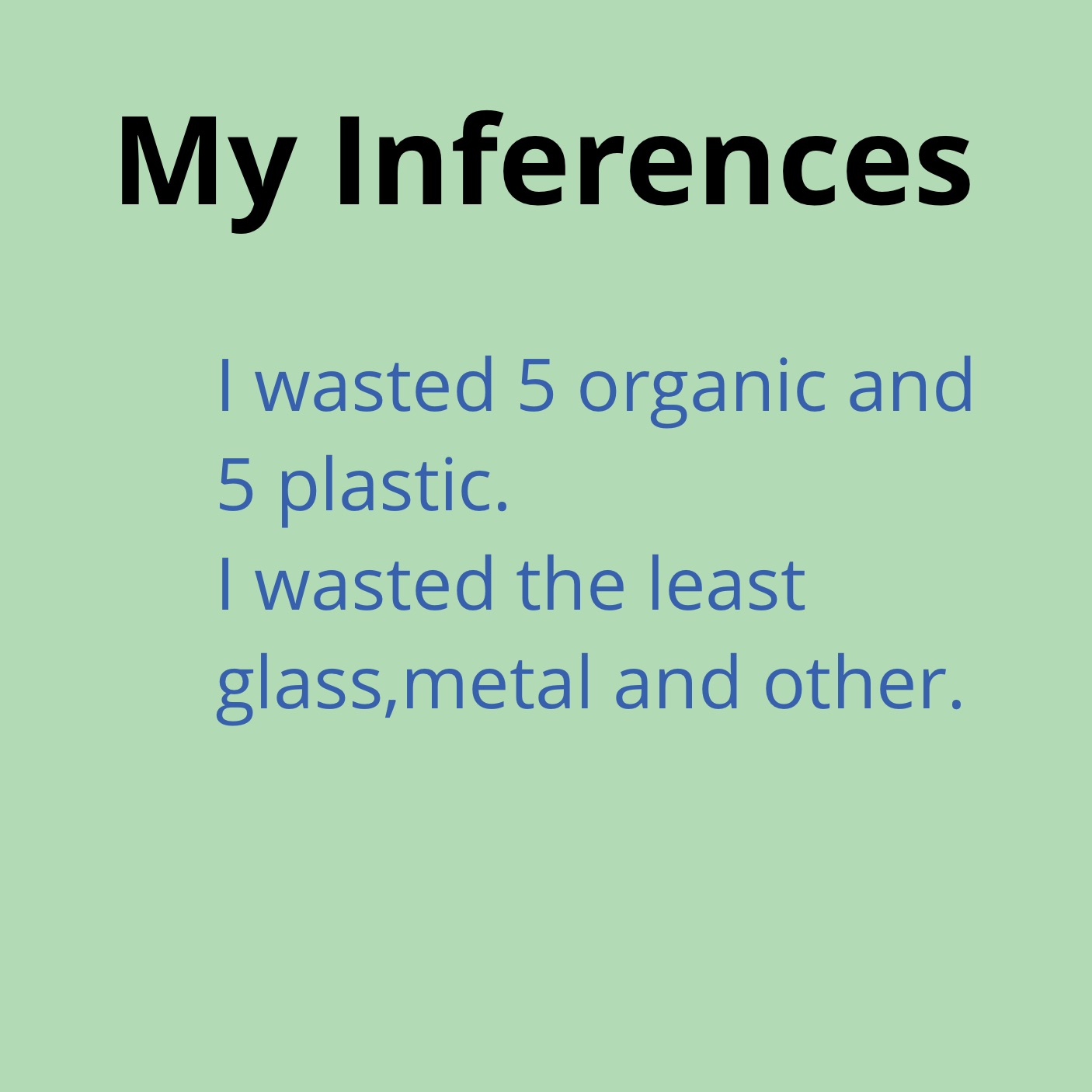
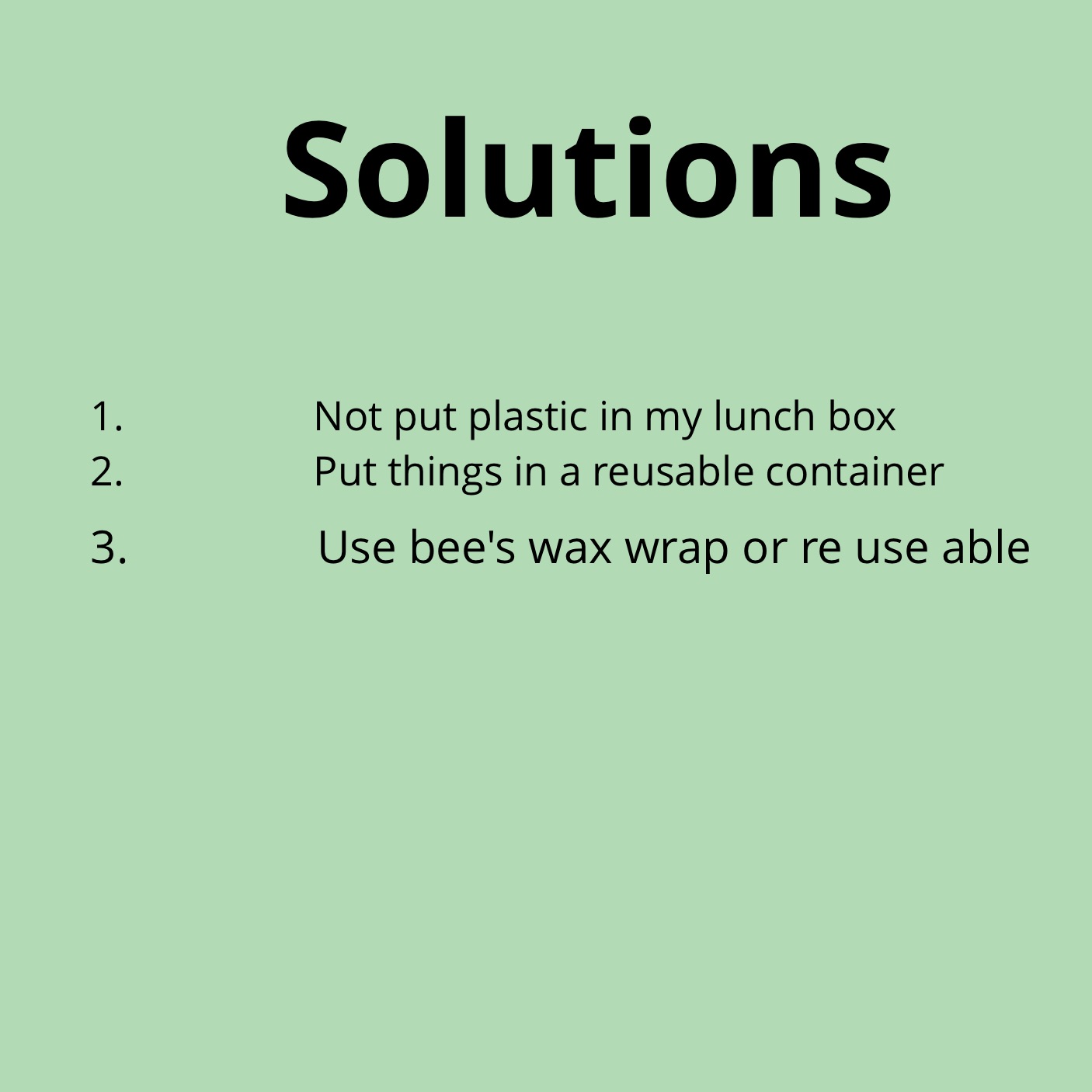
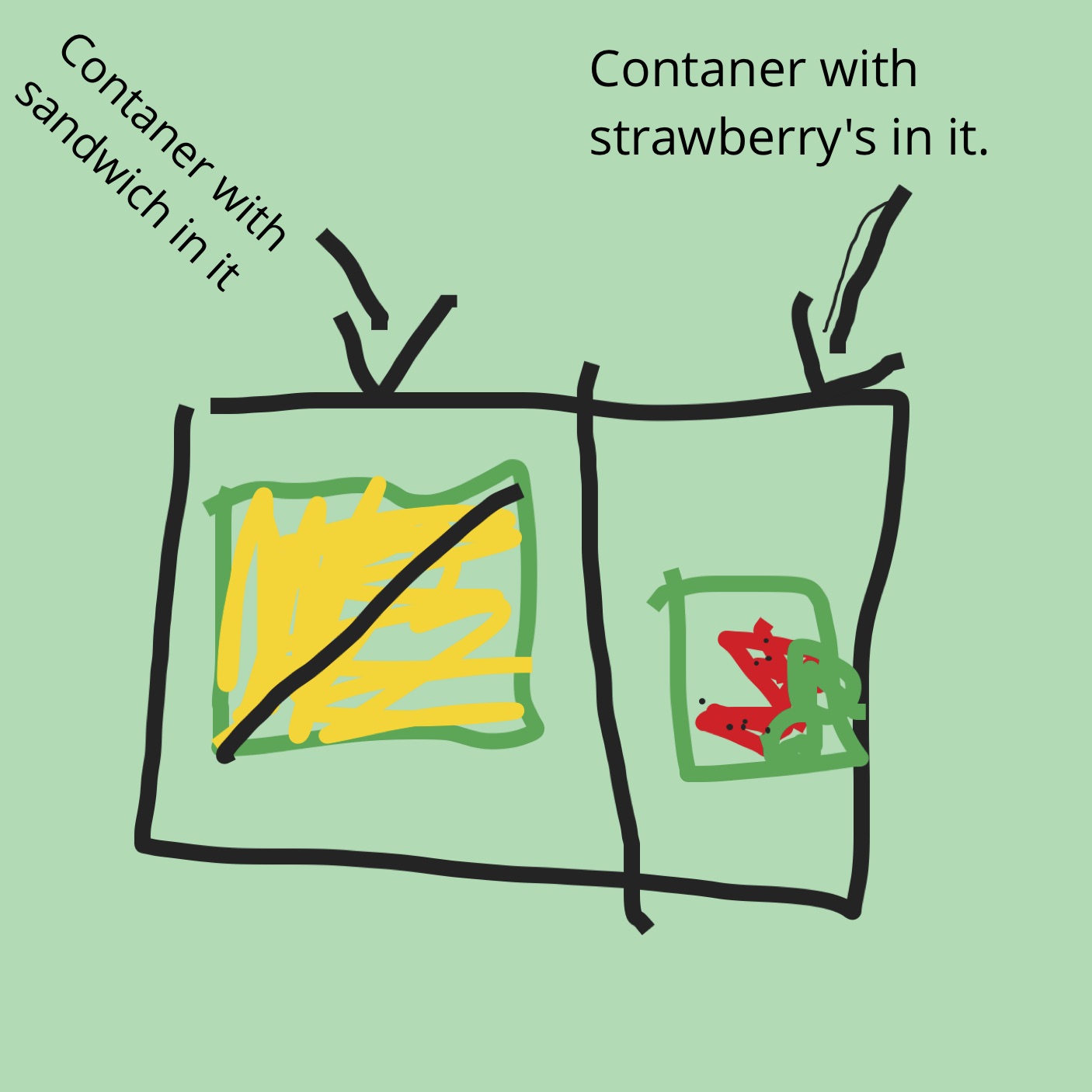
The lesson sequence I will be reflecting on in this blog post will be one that I taught my Year 1 class last year. My students had previously explored sustainability and waste minimisation, and this task encouraged them to take a closer look at their daily food waste. The students used iPads for this task, creating books on the Book Creator app and creating their graphs on Numbers app.

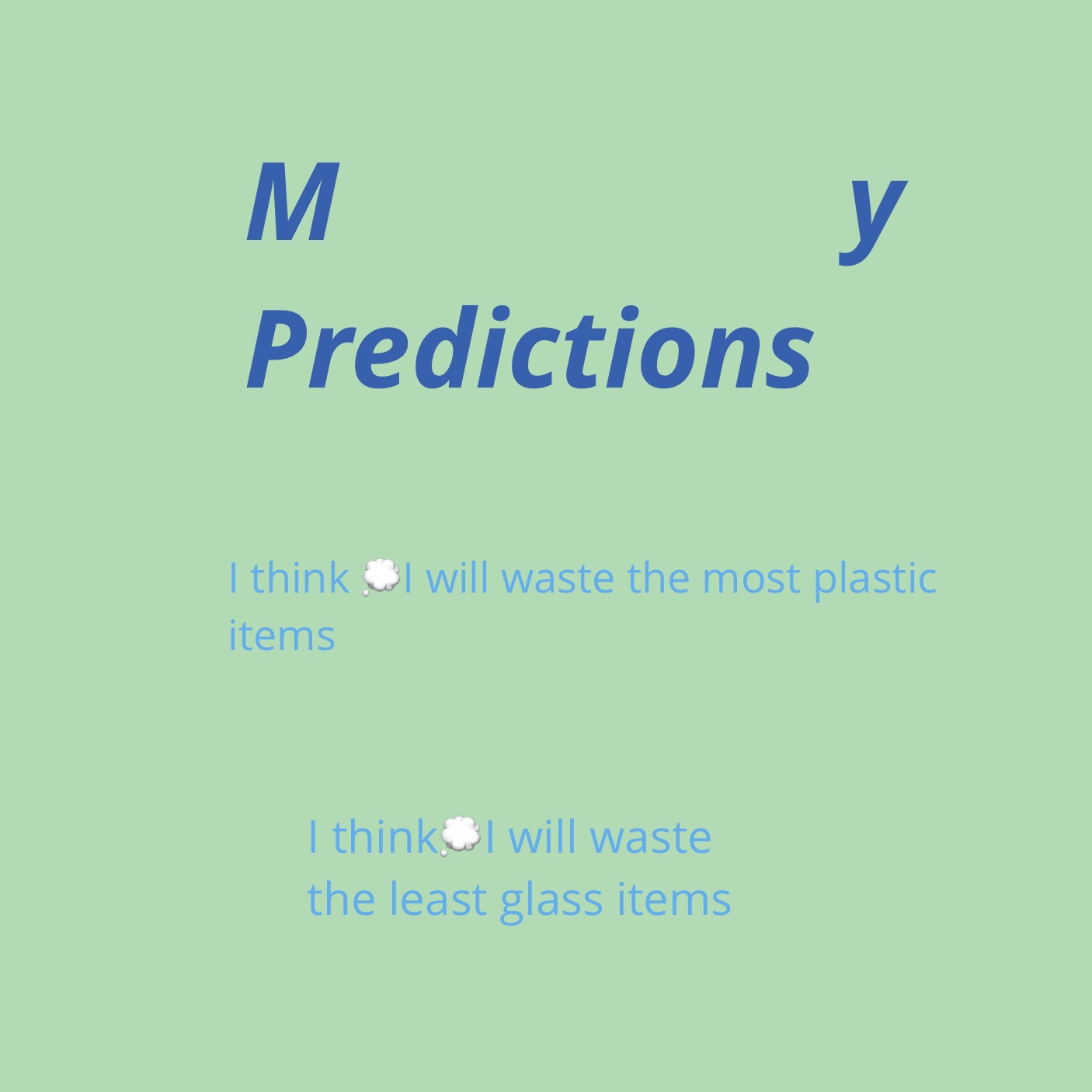
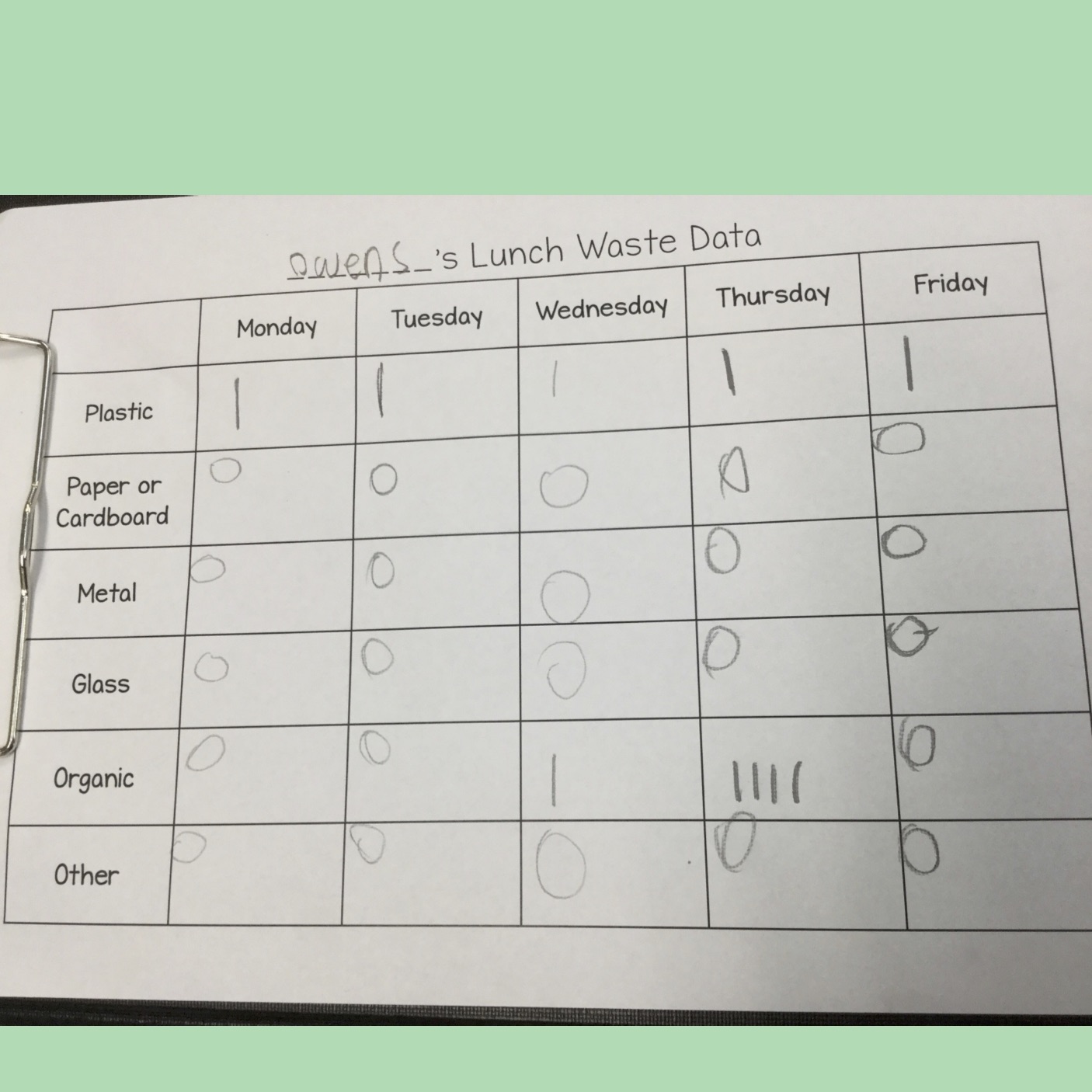
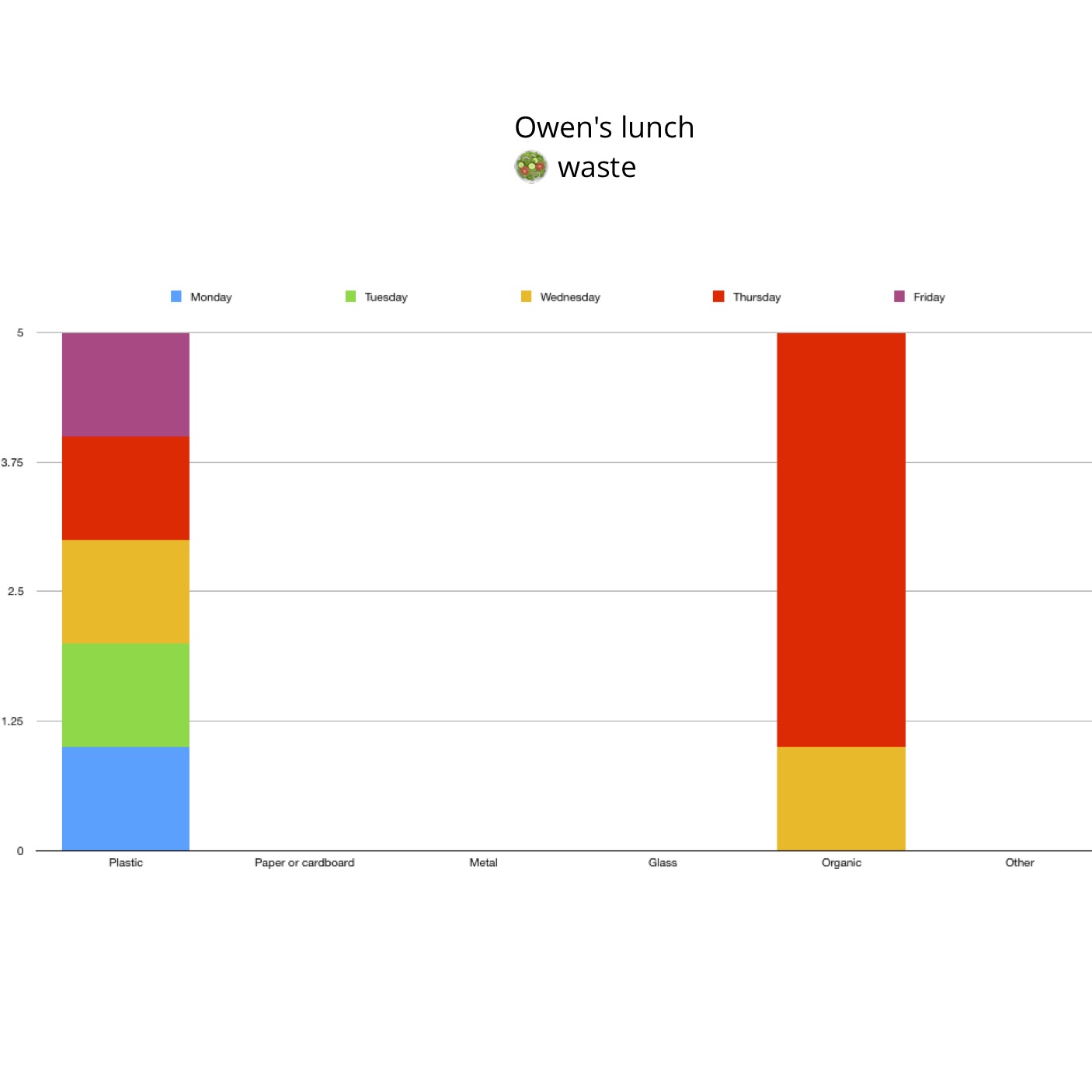
For this task, students predicted what type of waste would appear most frequently, collected data on their food waste which they used to create a graph, and then looked at this data to make conclusions about what waste they are creating and how they can minimise their waste. This project took place over approximately four lessons.


THE REFLECTION TOOL

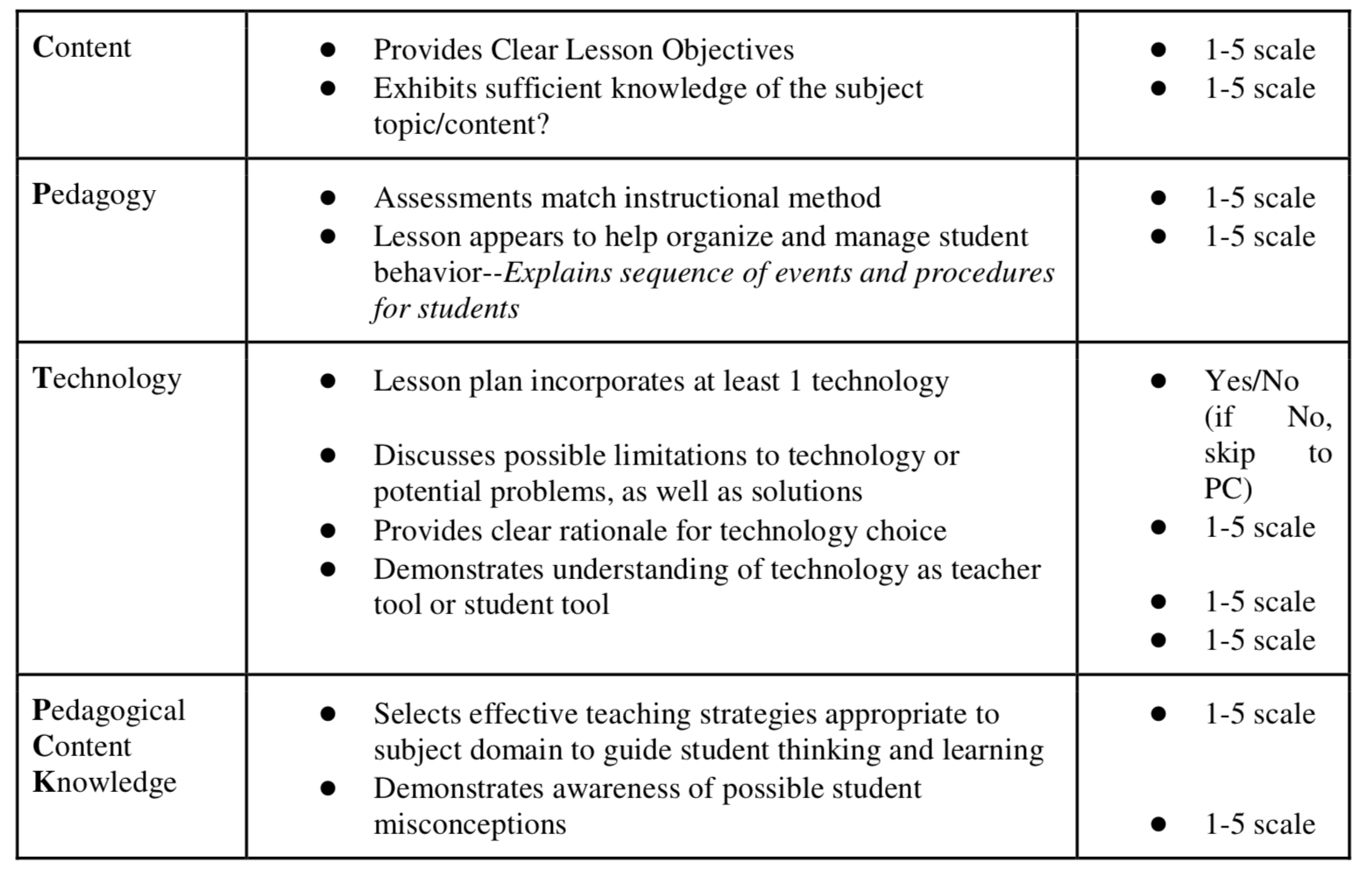
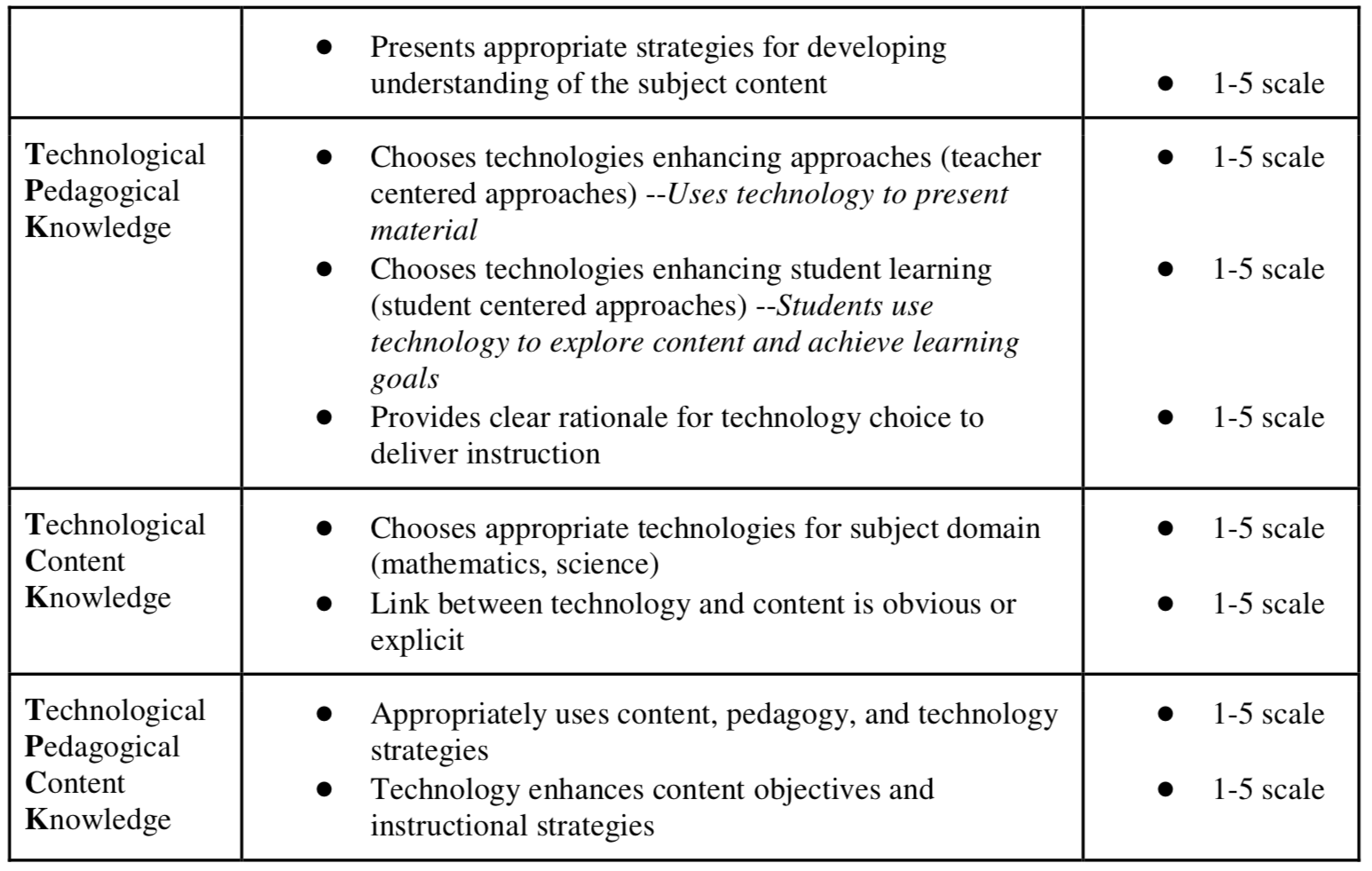
I chose a reflection tool that could be used to reflect on a singular lesson or short series of lessons. I had looked at the rubric developed by Koh (2013), but found that this rubric, while detailed, would be better suited to reflecting upon a long-term technologies program. I decided to use the TPACK Rubric developed by Akcaoglu, Kereluik and Casperson (2011) and have included the rubric below.

(Akcaoglu, et al., 2011)

FINDINGS

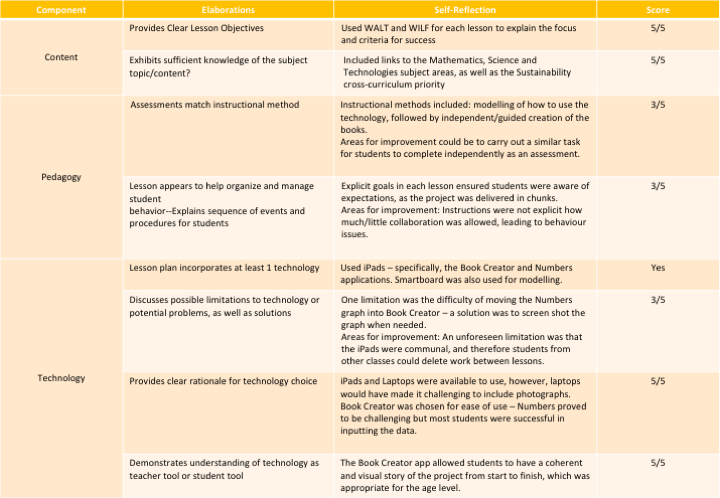
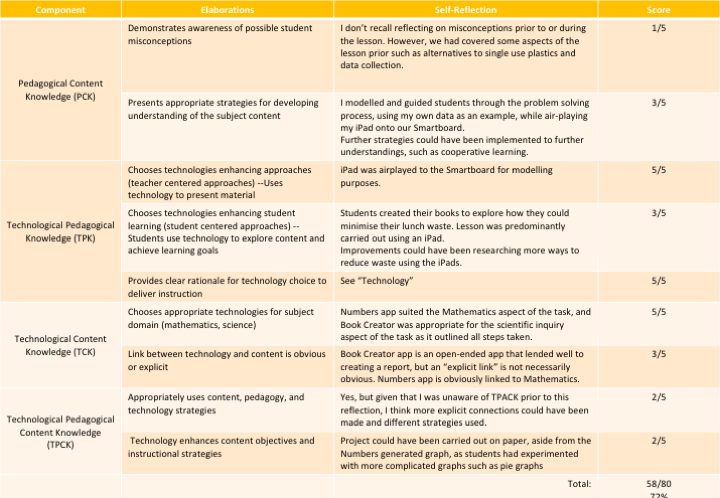
I found that although the TPACK framework was new to me, I had met a lot of the criteria in Akcaoglu et al.’s (2011) rubric. It was interesting to complete the reflection, as it alerted me to components that I had not considered and blind spots in my implementation. The negatives were that it was time-consuming, so perhaps a general reflection of practices using Koh’s (2013) rubric would be beneficial in future.

My self-evaluation using Ackaoglu et al.’s (2011) rubric

Word Count (excluding reference list): 368 Words

REFERENCES

Akcaoglu, M., Kereluik, K., & Casperson, G. (2011). Refining TPACK Rubric through Online Lesson Plans. Society for Information Technology & Teacher Education International Conference 2011. 4260 – 4264. Retrieved from https://www.researchgate.net/publication/279495336_Refining_TPACK_Rubric_through_Online_Lesson_Plans

Bower, M. (2017). Design of technology-enhanced learning – Integrating research and practice. Bingley, UK: Emerald Publishing Group

Koh, J. (2013). A Rubric for Assessing Teachers’ Lesson Activities with Respect to TPACK for Meaningful Learning with ICT. Australasian Journal of Educational Technology, 29(6), 887-900.

Mishra, P., & Koehler, M. J. (2006). Technological pedagogical content knowledge: A framework for teacher knowledge.Teachers College Record, 108(6), 1017-1054.

Tpack.org. (2012). TPACK Framework Image [diagram]. Retrieved from http://matt-koehler.com/tpack2/using-the-tpack-image/.