I explored virtual worlds on Minecraft Education and this is what I learned

What are Virtual Worlds?

Virtual worlds are “a synchronous, persistent network of people, represented as avatars, facilitated by networked computers” (Bell, 2008, p. 2). There are four different types of virtual world:

  1. Flexible narrative worlds
  2. Social worlds
  3. Simulation worlds, and
  4. Workspaces (Warburton, 2009)

What is Minecraft Education?

Minecraft is a “an open-ended “sandbox” game…where players build constructions of textured cubes in a world with its own laws of physics” (Overby & Jones, 2015, p. 21). Minecraft Education builds on this by adding  “standards-aligned content across K12 subjects and special features designed for classroom use” (Mojang, 2019). It is specifically designed for classroom use.

Minecraft can be used to teach art (Overby & Jones, 2015), media literacy (Dzeuanni, 2018), mathematics (Bos, Wilder, Cook, & O’Donnell, 2014), and potentially most other subject areas.

Having a play…

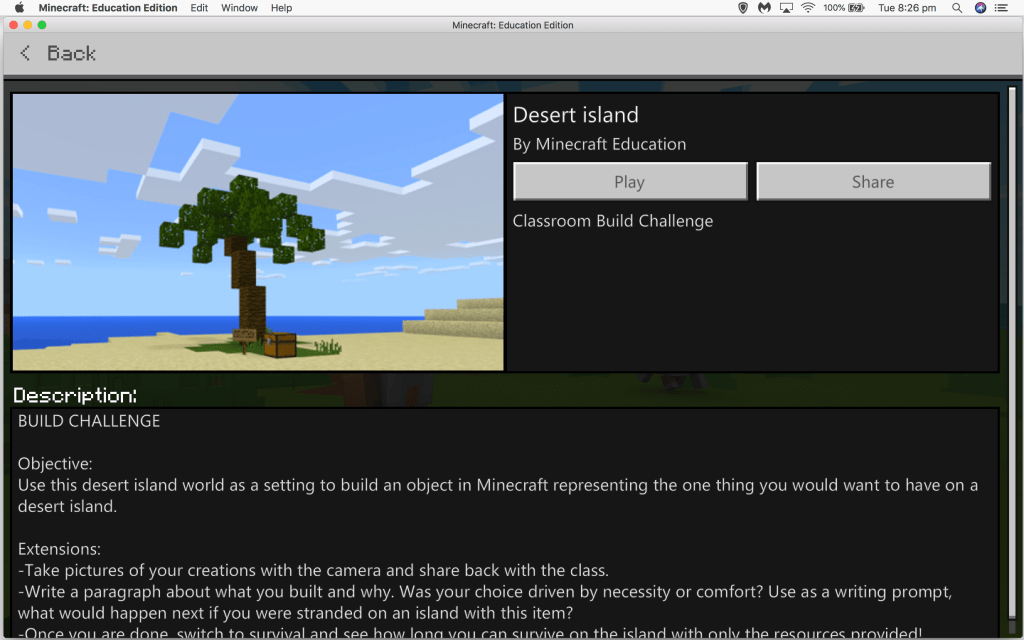
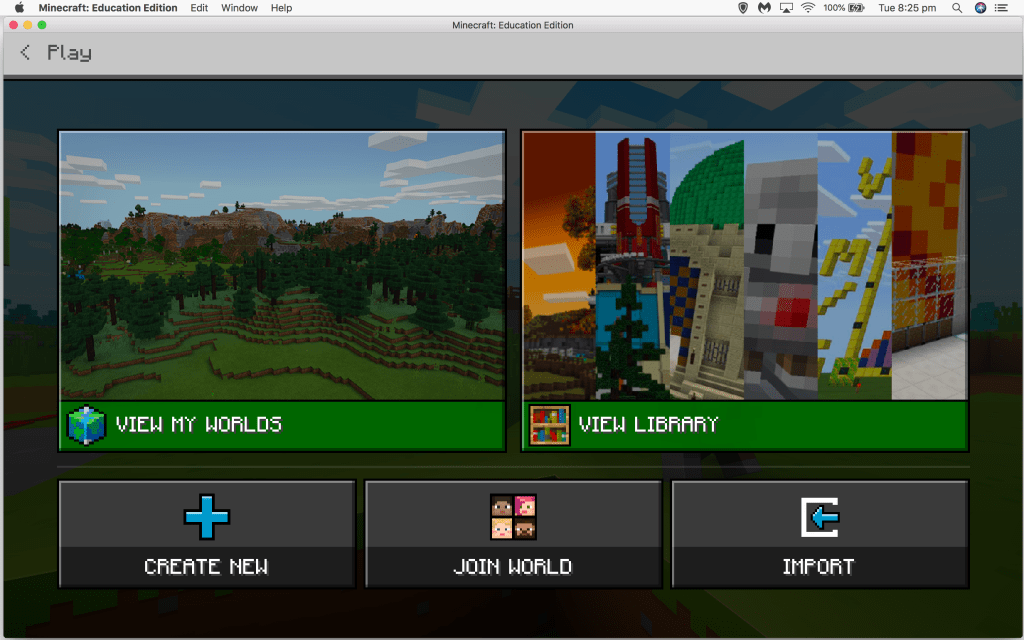
 I would like to preface this by saying that I have never played Minecraft before, nor incorporated it in a lesson! I downloaded and explored Minecraft education and this is what I found.
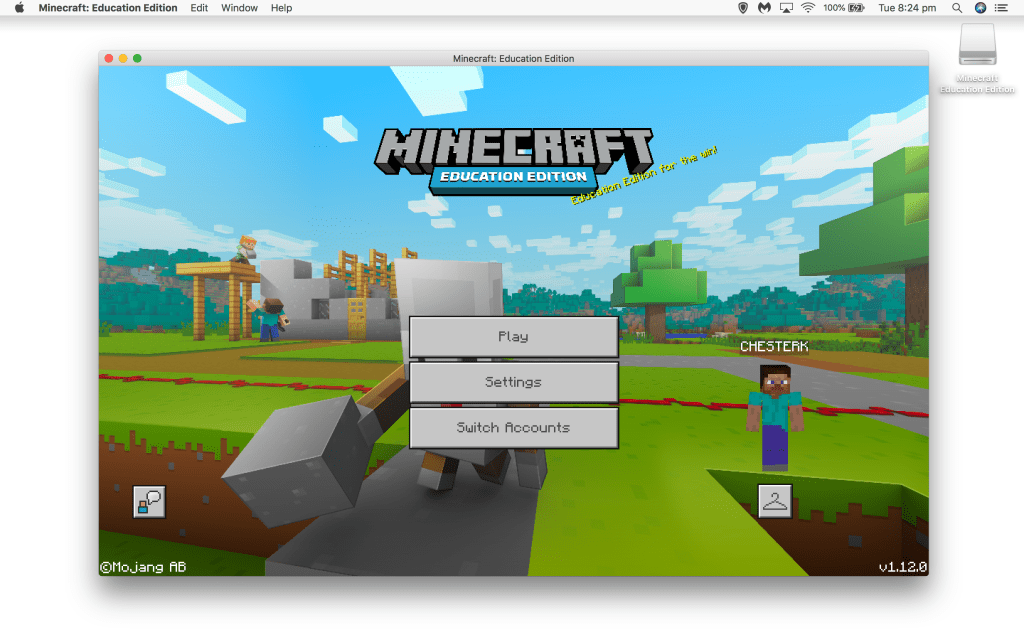
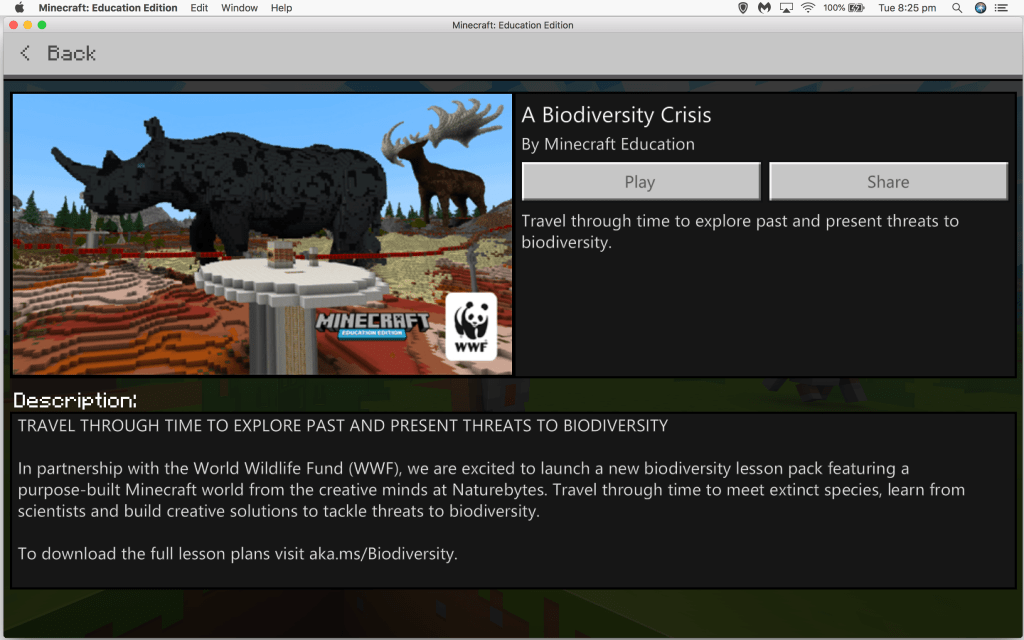
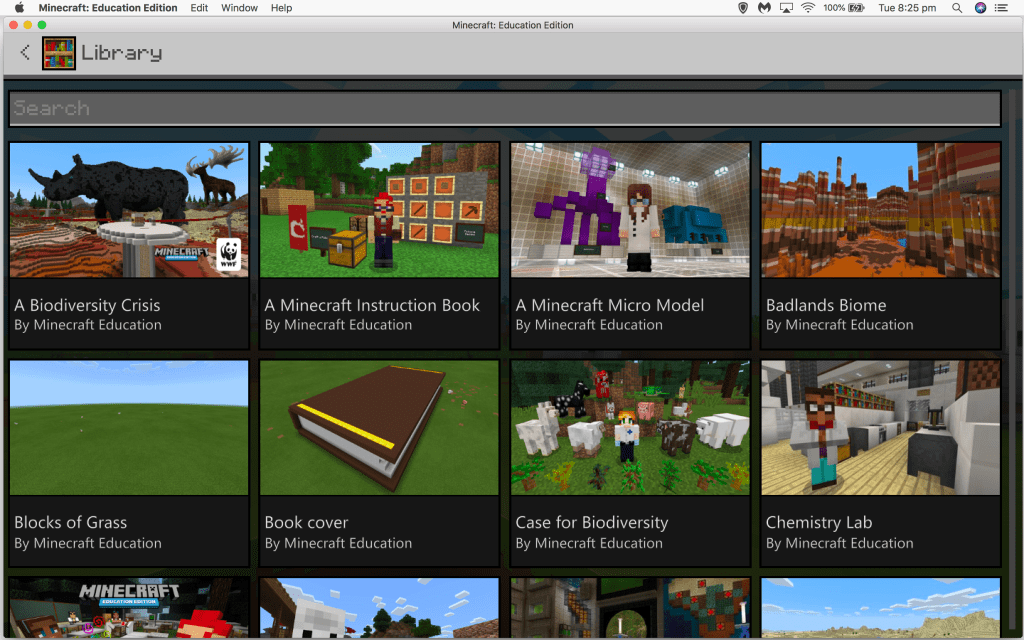
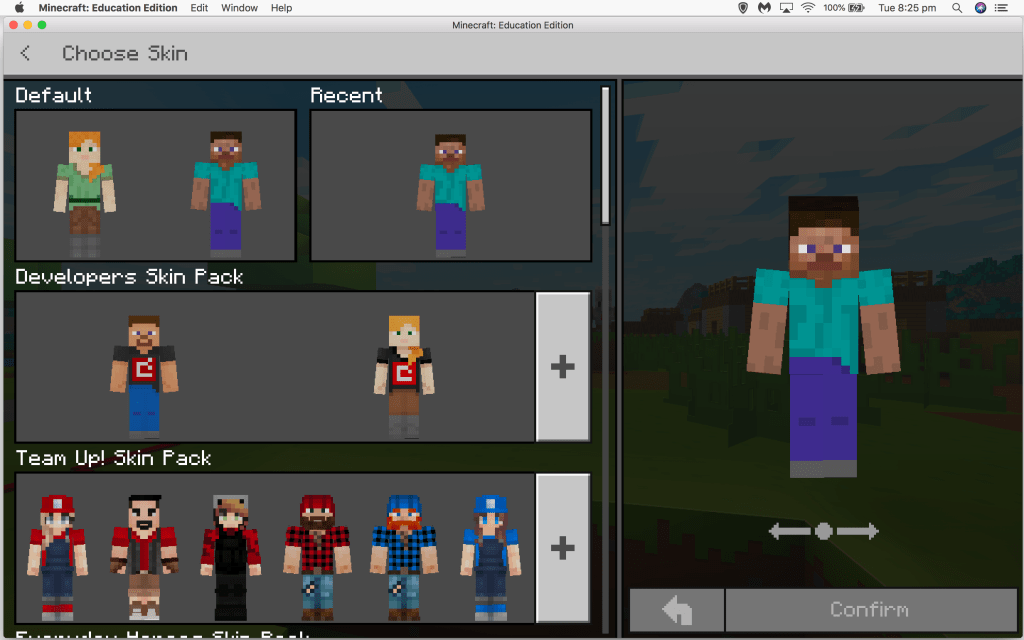
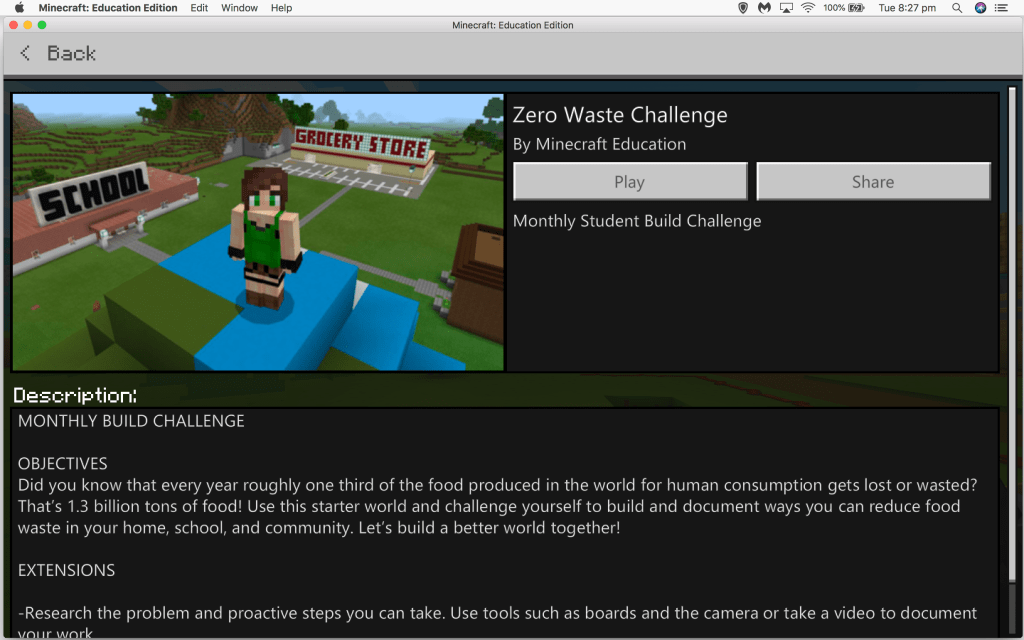
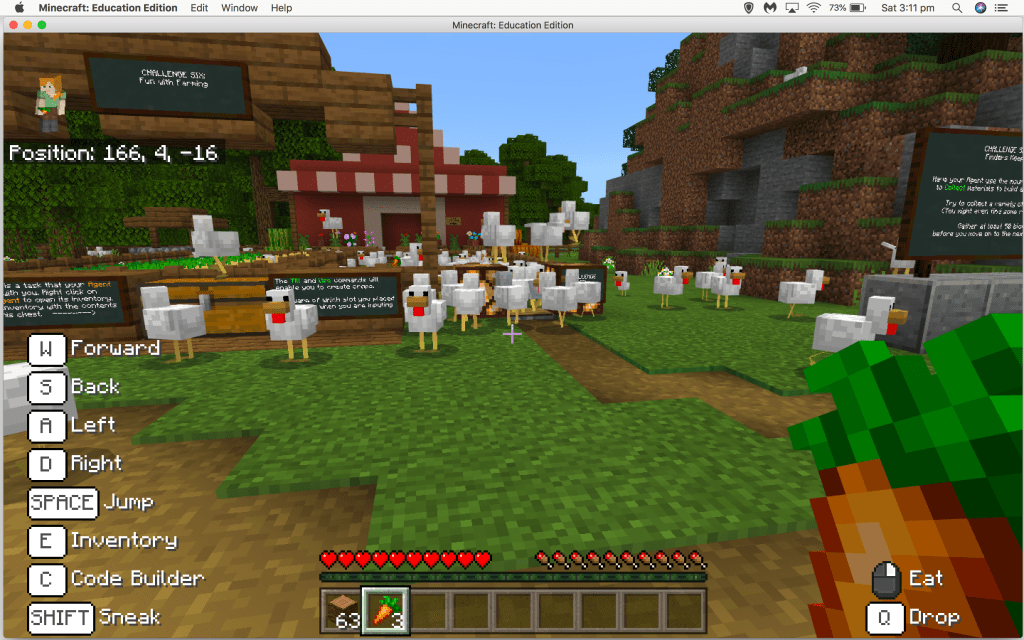
Opening up and getting started was relatively straightforward. I was able to alter my avatar to my liking,  and then I quickly started exploring the “Library”, which contained a huge amount of pre-made content for teachers to use in their classrooms. Many were related to sustainability, for example, the “Zero Waste Challenge” and “A Biodiversity Crisis”. You can find more lessons that are sorted into subject areas on the Minecraft Education website, as well as an area dedicated to the Australian Curriculum.
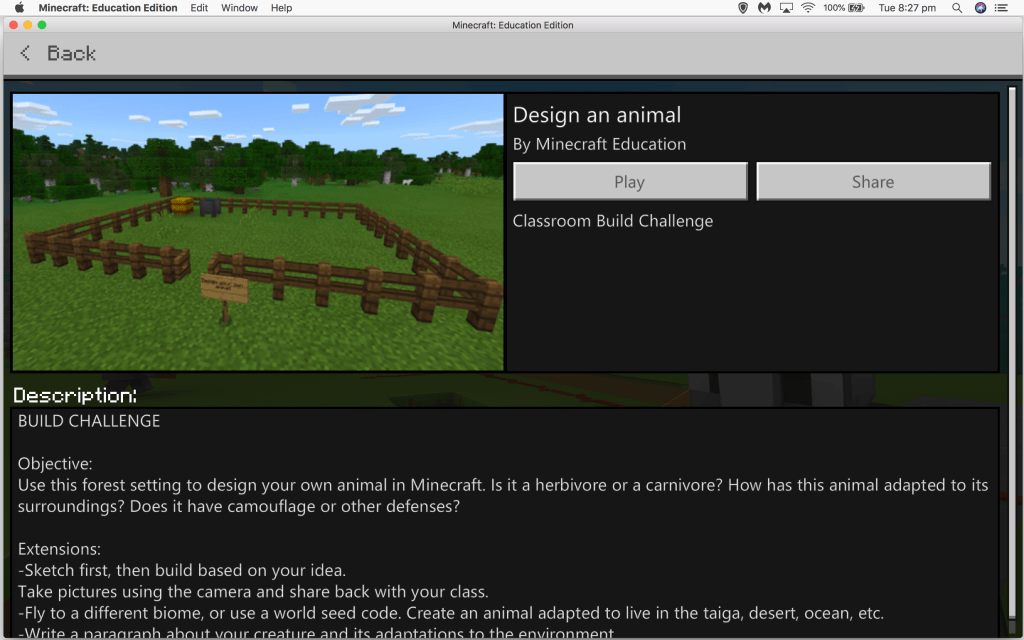
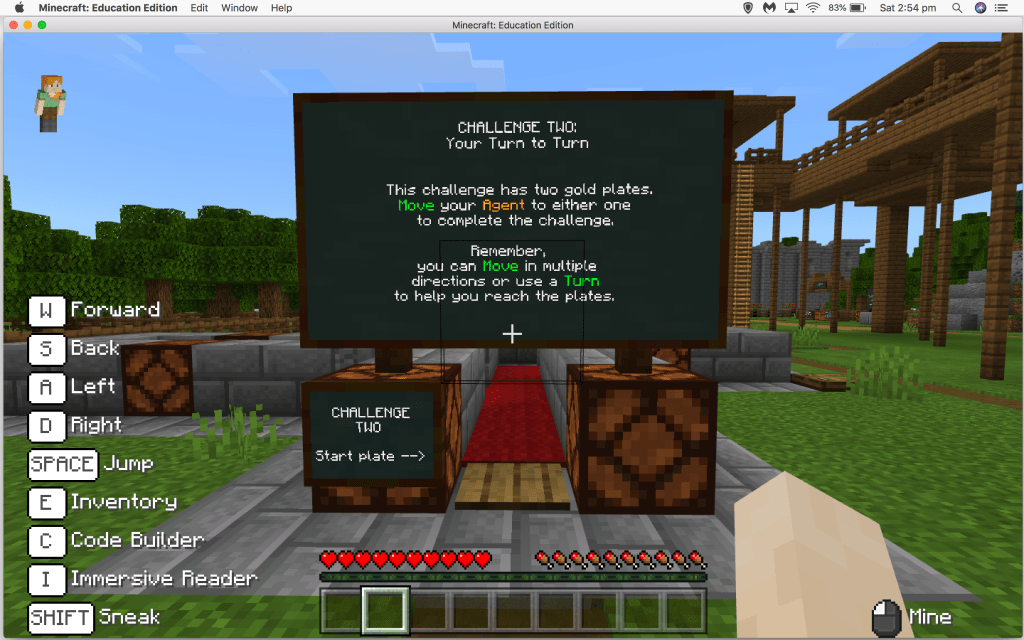
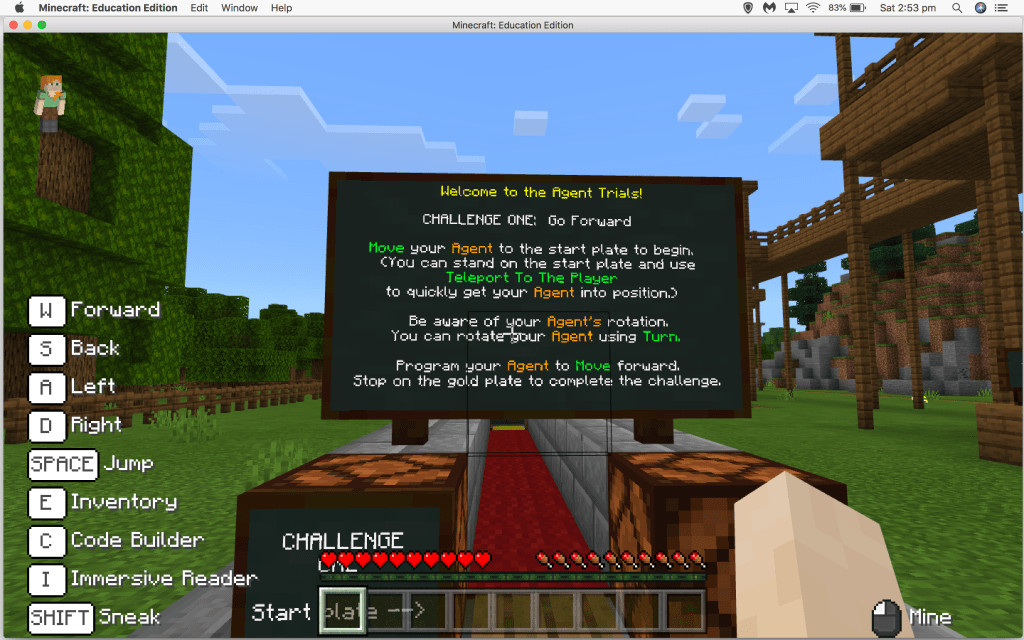
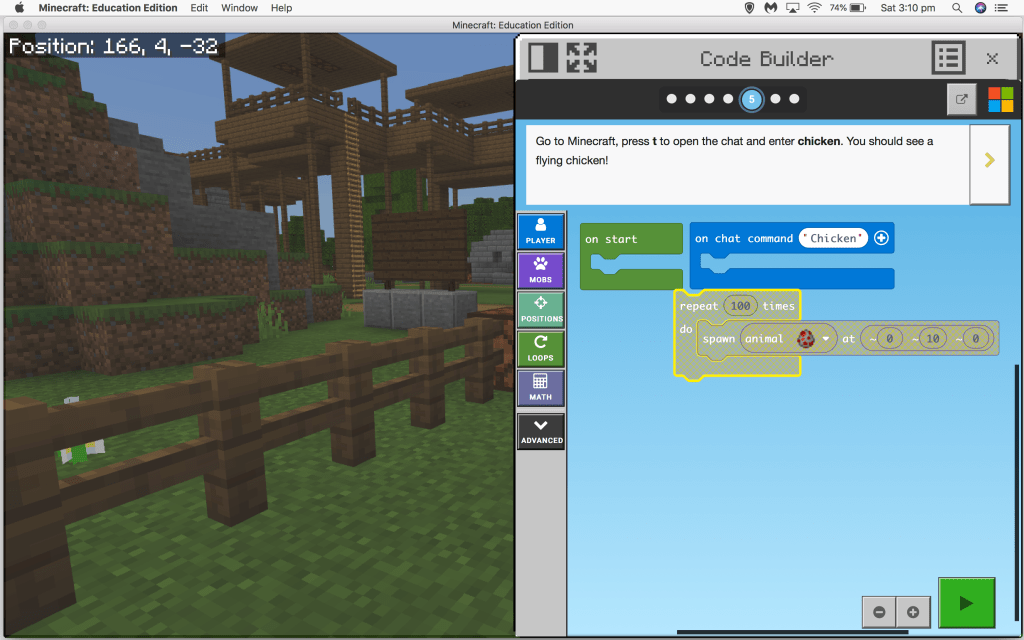
I did not explore the game for very long (this was not my choice, I am unfortunately a very busy person at the present!) but I do think that to begin with, it is important to give students time to explore the features before assigning a project. I used the “Code Builder Tutorial” to help get an understanding of the game and learn the basics. I will admit, I found some of the activities somewhat challenging! However, I think that with a bit more time I would definitely get the hang of it. In my experience, many children have already played Minecraft at home, so I think incorporating it into the classroom would be a fantastic opportunity to encourage those students to support others in learning the game.
Would I use it?

Most definitely! It could have a huge range of applications in the classroom and support student engagement. Minecraft Education has made it really easy to implement in the classroom and really easy to find resources. I can definitely see the value for students in terms of engagement and given that many students are already familiar with Minecraft, this may eliminate some of the cognitive load used on trying to use the game.

References

Bell, M. W. (2008). Toward a definition of virtual worlds. Journal of Virtual Worlds Research, 1(1), 1-5.

Bos, B., Wilder, L., Cook, M., & O’Donnell, R. (2014). ISTEM: Learning Mathematics through Minecraft. Teaching Children Mathematics, 21(1), 56-59.

Dezuanni, M. (2018). Minecraft and children’s digital making: Implications for media literacy education. Learning, Media and Technology, 43(3), 236-249.

Mojang. (2019). Homepage: Minecraft Education. Retrieved at https://education.minecraft.net/.

Overby, A., & Jones, B. (2015). Virtual LEGOs: Incorporating Minecraft into the Art Education Curriculum. Art Education, 68(1), 21-27.

Warburton, S. (2009). Second Life in higher education: Assessing the potential for and the barriers to deploying virtual worlds in learning and teaching. British Journal of Educational Technology, 40(3), 414-426.

Seesaw Learning Journal: Pros and Considerations

Seesaw Logo (Seesaw Learning, Inc., n.d.)

What is Seesaw?

Seesaw is a online learning portfolio that families of students can access. Users can use Seesaw to upload a range of file types including images, videos, audio, and text. Teachers can also use Seesaw to set activities and collect assessment data on uploaded items, post class announcements, and message family members privately.

Is it a social networking tool?

Boyd & Ellison (as cited in Bower, 2017) lists three characteristics of social networking sites:

  1. Users can construct a public or semi-public profile
  2. Users can articulate a list of other users with whom they share a connection, and
  3. Users can view these connections and the connections of others in the system

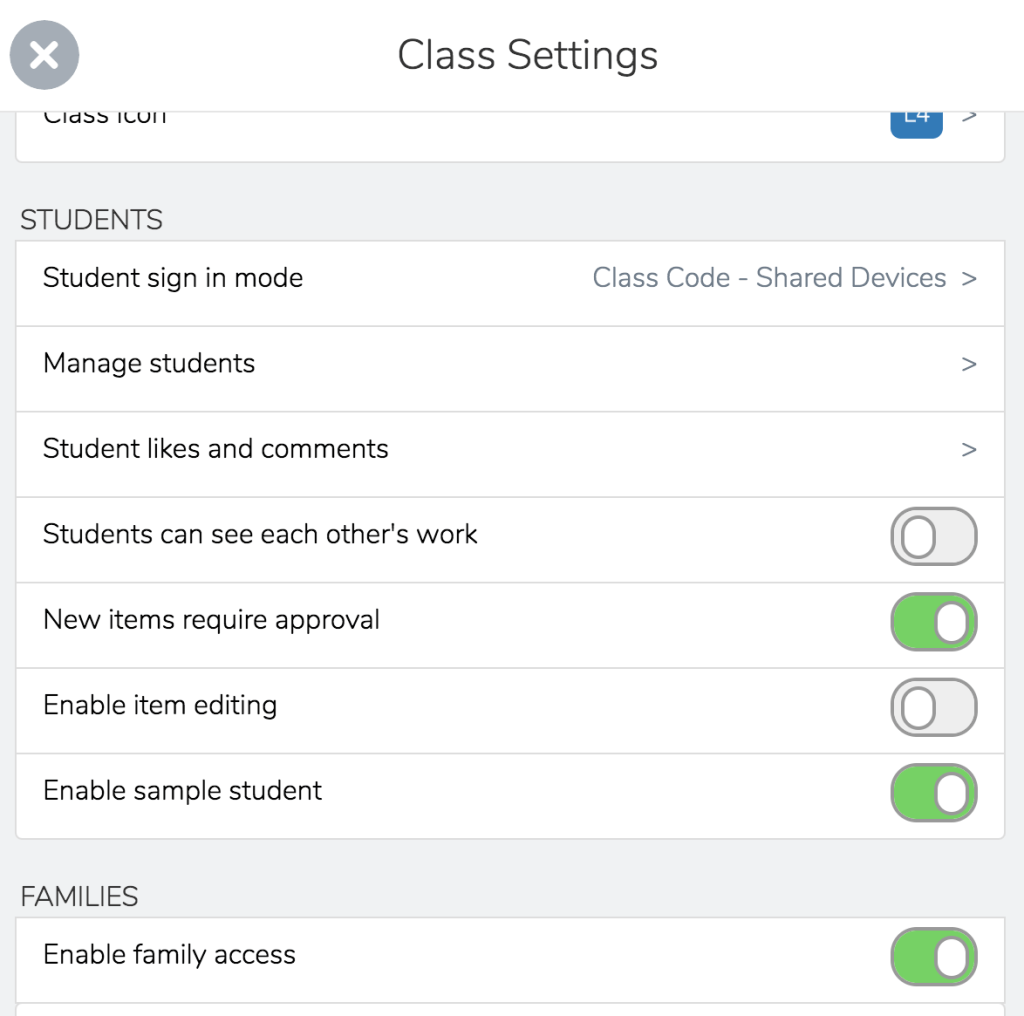
Seesaw is designed for classroom use, and therefore student profiles are kept private and only visible to their teacher(s), family members who have connected to their Seesaw, and their peers (although this option can be turned off).

A screen capture of some of the settings in Seesaw

What are some of the benefits of Seesaw?

Home Communication

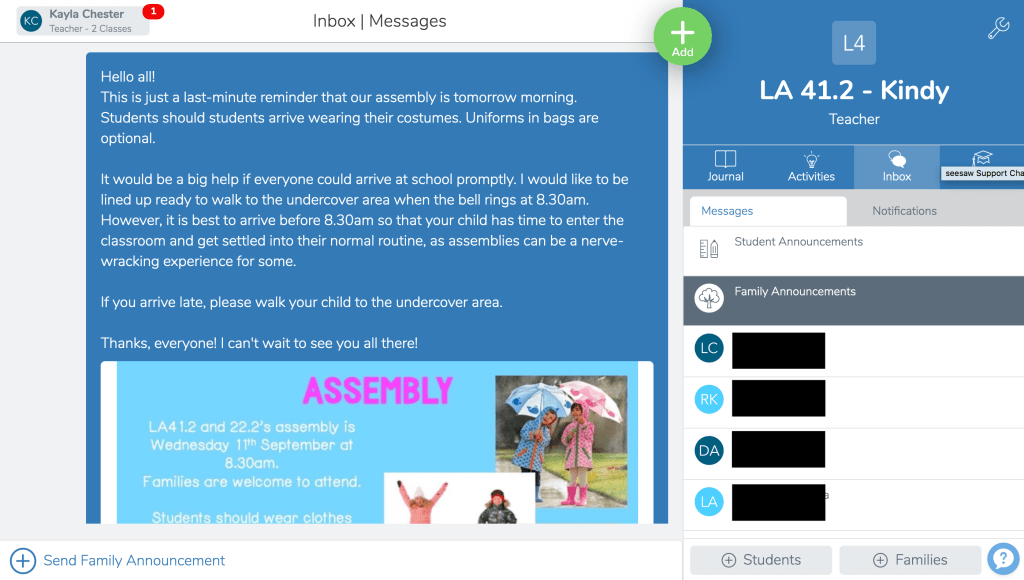
Families connected to their child’s Seesaw journal get a glimpse into their child’s day and in the case of assessment tasks, an understanding of how their child is progressing. It has also been used by speech pathologists to communicate to parents what skills children were working on and activities families can do to support them (Ray, 2017).

A screenshot of the “Family Announcements” function on Seesaw (Names blocked out for privacy)

Developmentally appropriate for the early years

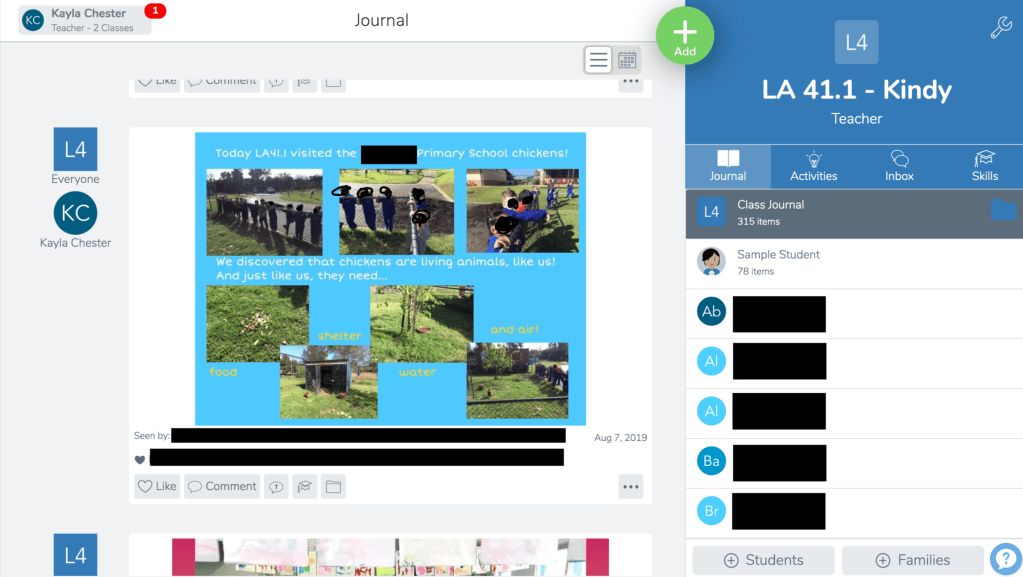
It can sometimes be a challenge for early childhood teachers to find technologies that are appropriate for younger children and that complement play-based learning approaches. Fantozzi, Johnson, & Scherfen (2018) found that Seesaw worked well with play-based pedagogies because teachers were able to caption photos to give families “a much more well-rounded look inside the classroom than the tangible products (like paintings) that were sent home” (pp. 91-92).

A screenshot of an a learning experience posted on Seesaw (Names and faces blocked out for privacy)

Below is a more comprehensive list of the benefits of seesaw:

(@Sylviaduckworth, 2016)

What are some things to consider when using Seesaw?

Data and privacy

Some parents and educators have concerns about the privacy of Seesaw given that the data is stored in California and that educators are sharing images of minors on the platform. You can read the Privacy Evaluation on Seesaw published by Common Sense here.

Issues relating to parental access

Educators using Seesaw need to do so with consideration for their students’ family situations in mind. Comments on a child’s work sample by a family member can be viewed by other family members connected to the child’s journal, which may be an issue in some circumstances.

How do I use Seesaw?

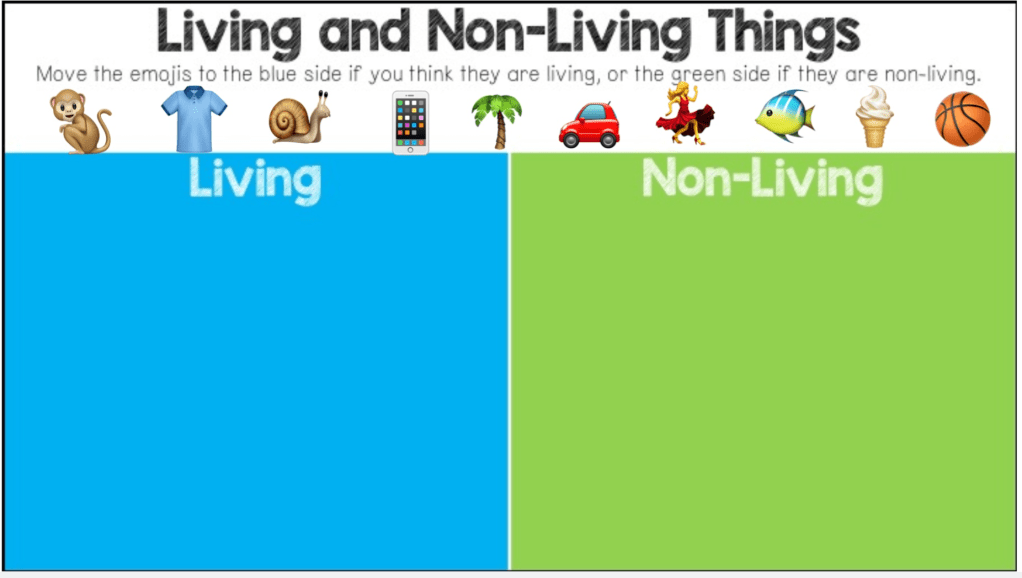
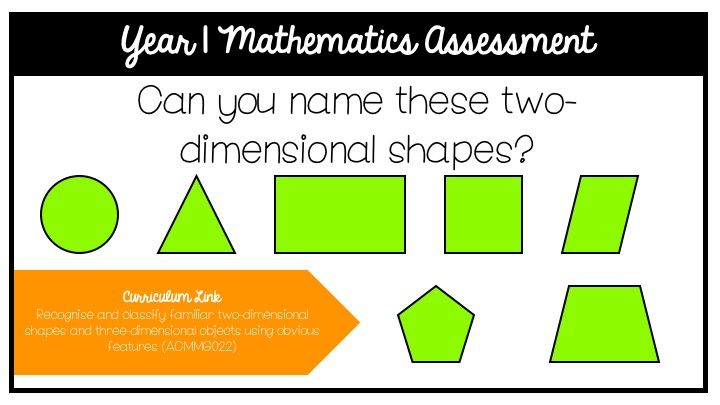
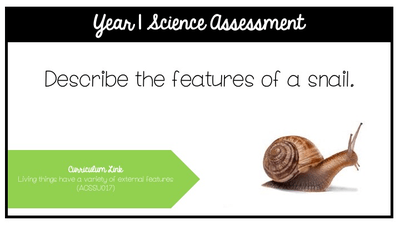
As an early childhood educator, I use the audio and visual tools extensively over text tools. I also often use the ‘Activity’ function to set assessments for my students.

References

Bower, M. (2017). Design of technology-enhanced learning – Integrating research and practice. Bingley, UK: Emerald Publishing Group.

@Sylviaduckworth (2016, December 15). Sketchnote of “Top 10 Reasons to use Seesaw”. Retrieved from https://twitter.com/sylviaduckworth/status/809598470029971456?lang=en.

Fantozzi, V., Johnson, C., & Scherfen, A. (2018). Play and Technology: An Important Intersection for Developing Literacy. Young Children, 73(2), 88-93.

Ray, A. (2017). ‘Seesaw’ Between School and Home. ASHA Leader, 22(5), 1-2.

Seesaw Learning, Inc. (n.d.). Seesaw logo [image]. Retrieved from https://help.seesaw.me/hc/en-us/articles/203816959-Seesaw-icon-and-logo.