What are Virtual Worlds?
Virtual worlds are “a synchronous, persistent network of people, represented as avatars, facilitated by networked computers” (Bell, 2008, p. 2). There are four different types of virtual world:
- Flexible narrative worlds
- Social worlds
- Simulation worlds, and
- Workspaces (Warburton, 2009)
What is Minecraft Education?
Minecraft is a “an open-ended “sandbox” game…where players build constructions of textured cubes in a world with its own laws of physics” (Overby & Jones, 2015, p. 21). Minecraft Education builds on this by adding “standards-aligned content across K12 subjects and special features designed for classroom use” (Mojang, 2019). It is specifically designed for classroom use.
Minecraft can be used to teach art (Overby & Jones, 2015), media literacy (Dzeuanni, 2018), mathematics (Bos, Wilder, Cook, & O’Donnell, 2014), and potentially most other subject areas.
Having a play…
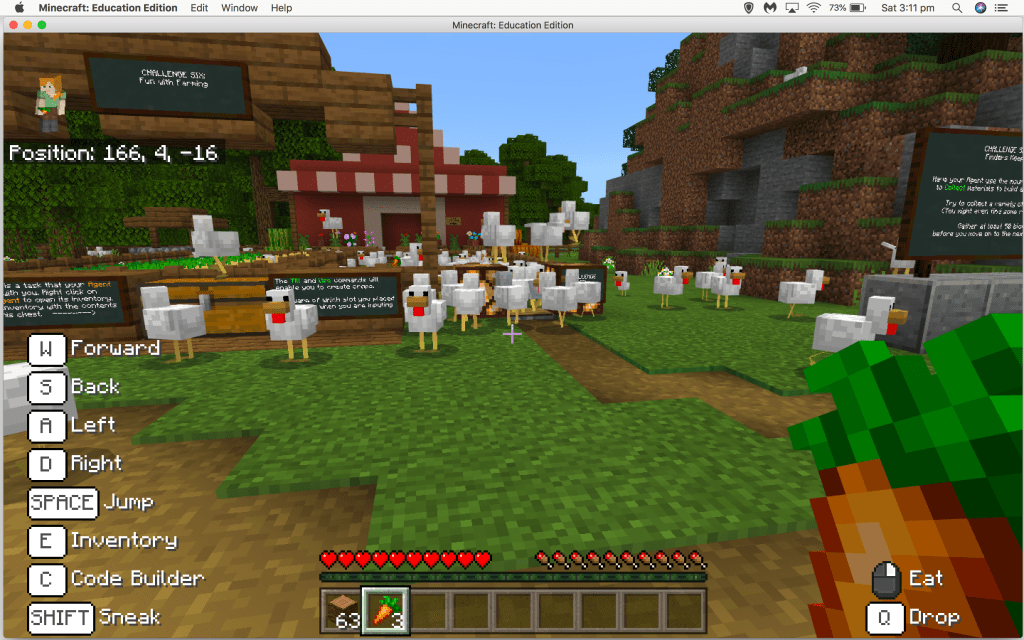
I would like to preface this by saying that I have never played Minecraft before, nor incorporated it in a lesson! I downloaded and explored Minecraft education and this is what I found.
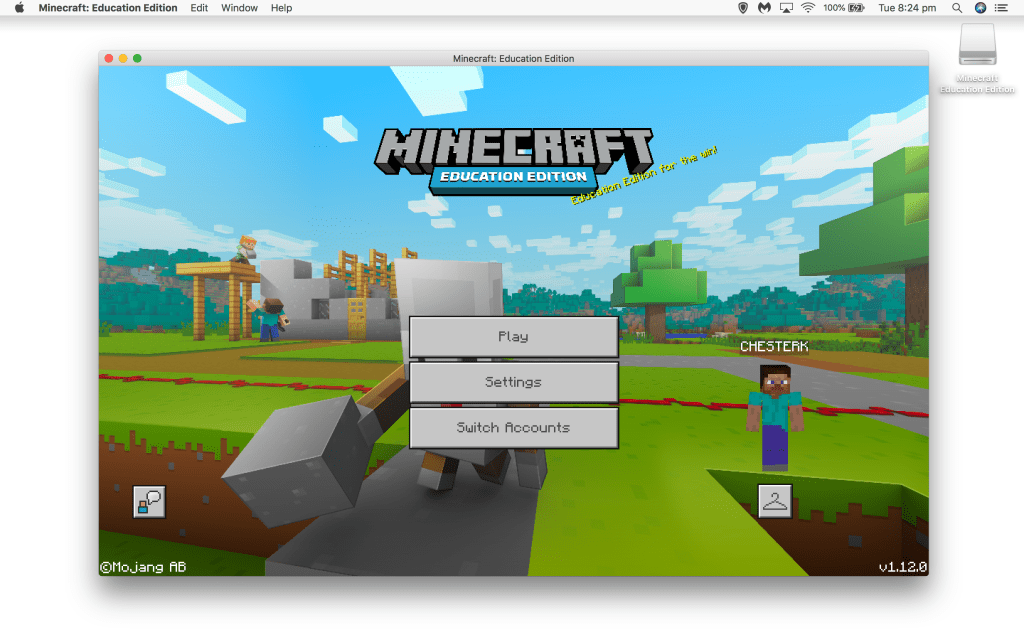
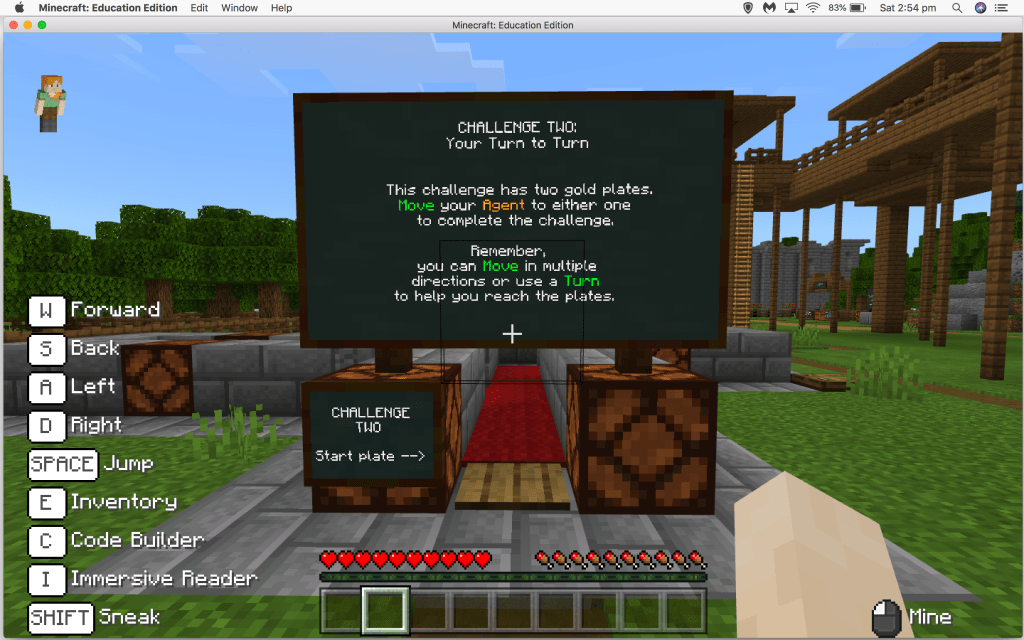
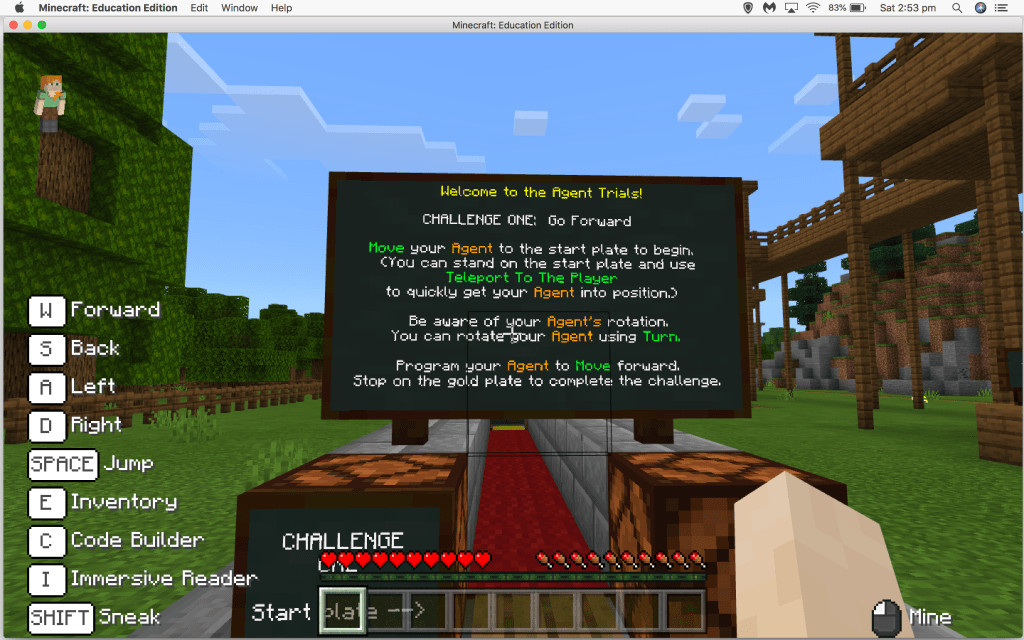
Opening up and getting started was relatively straightforward. I was able to alter my avatar to my liking, and then I quickly started exploring the “Library”, which contained a huge amount of pre-made content for teachers to use in their classrooms. Many were related to sustainability, for example, the “Zero Waste Challenge” and “A Biodiversity Crisis”. You can find more lessons that are sorted into subject areas on the Minecraft Education website, as well as an area dedicated to the Australian Curriculum.
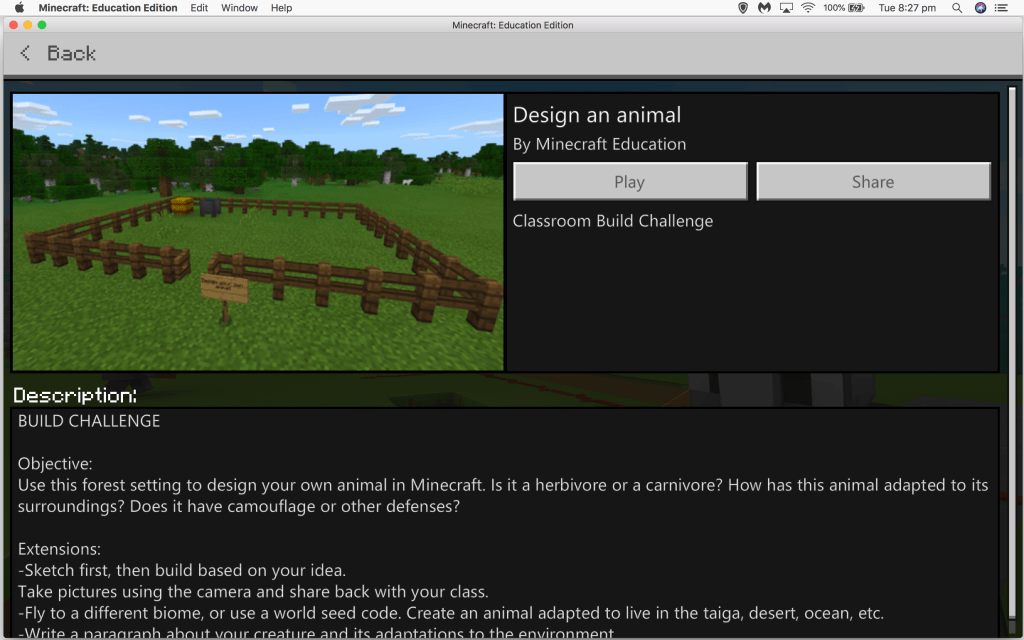
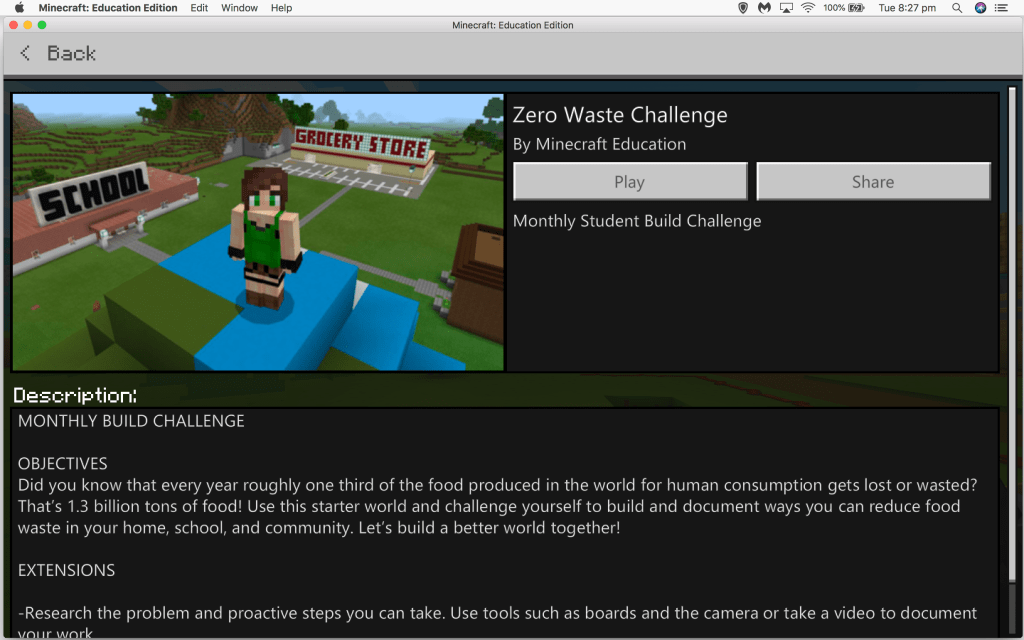
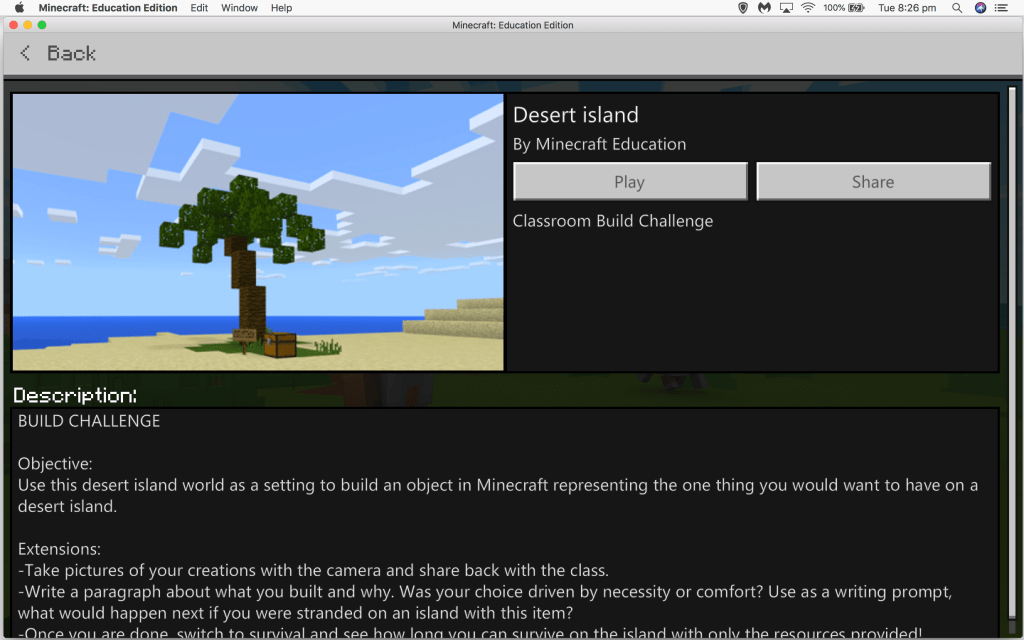
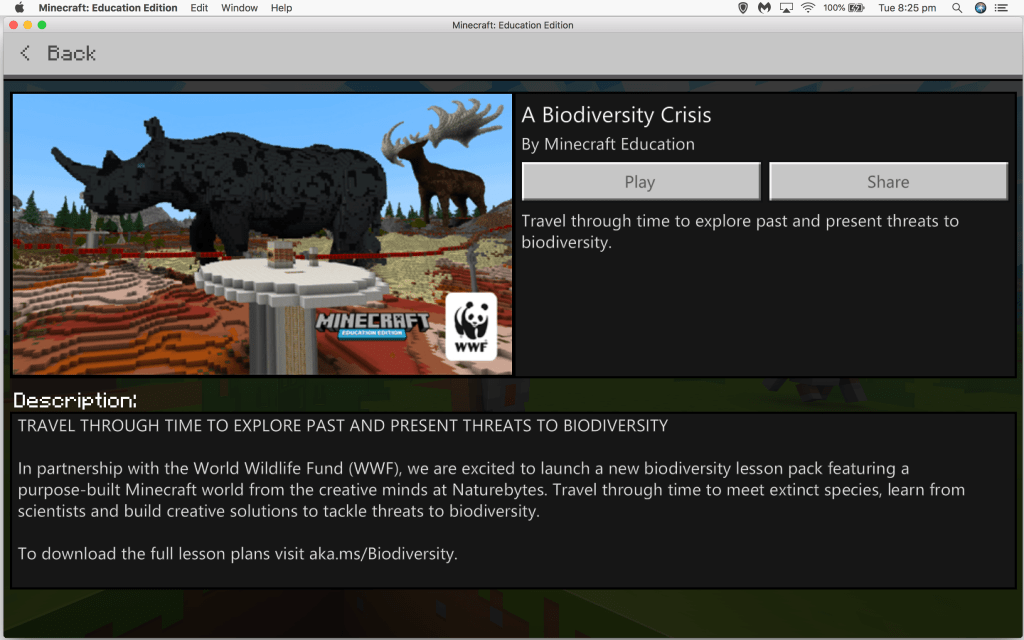
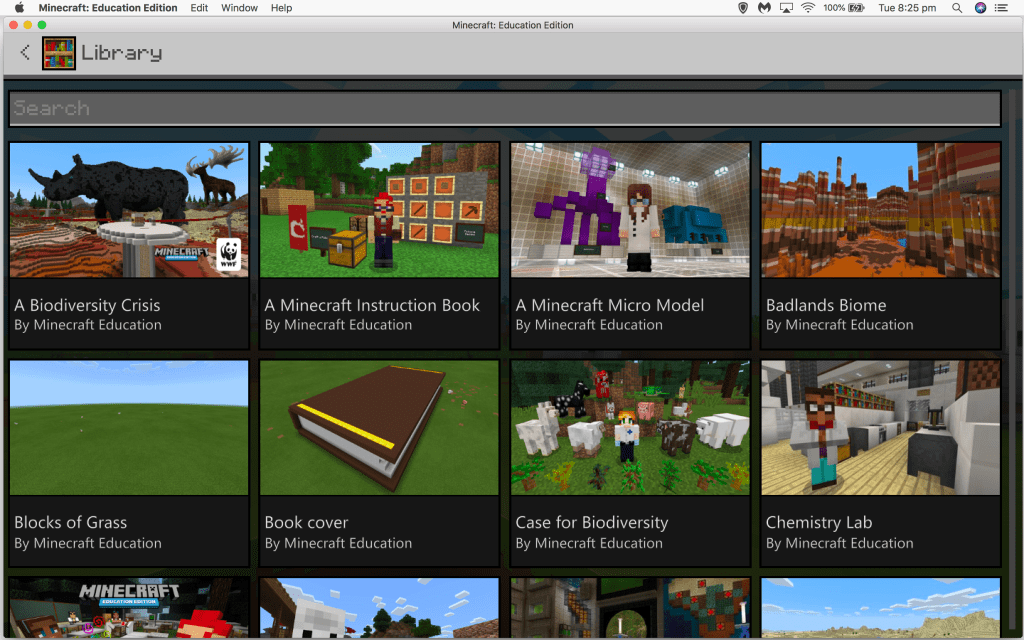
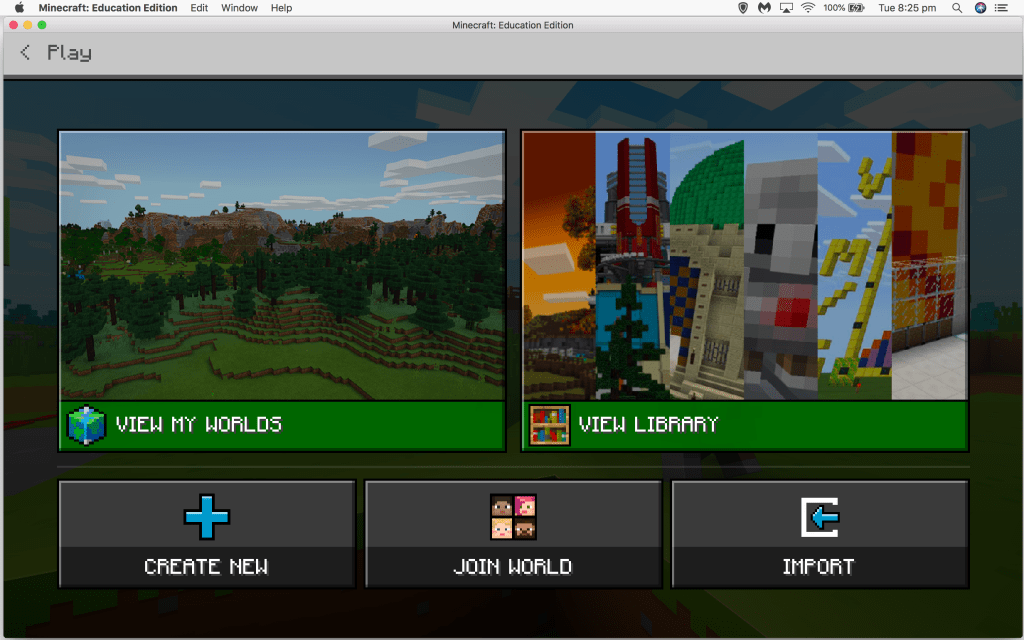
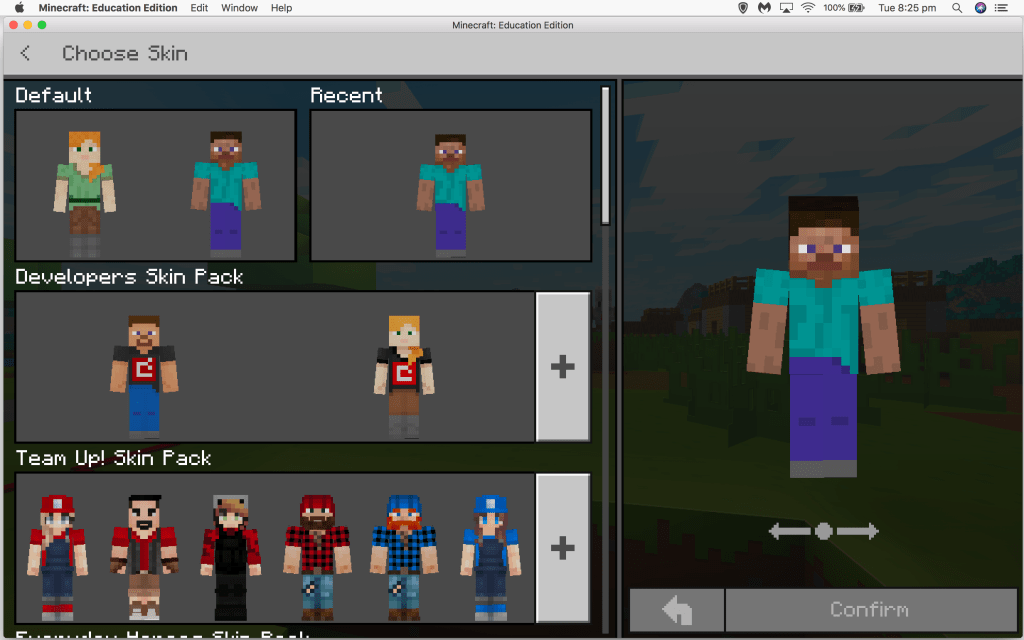
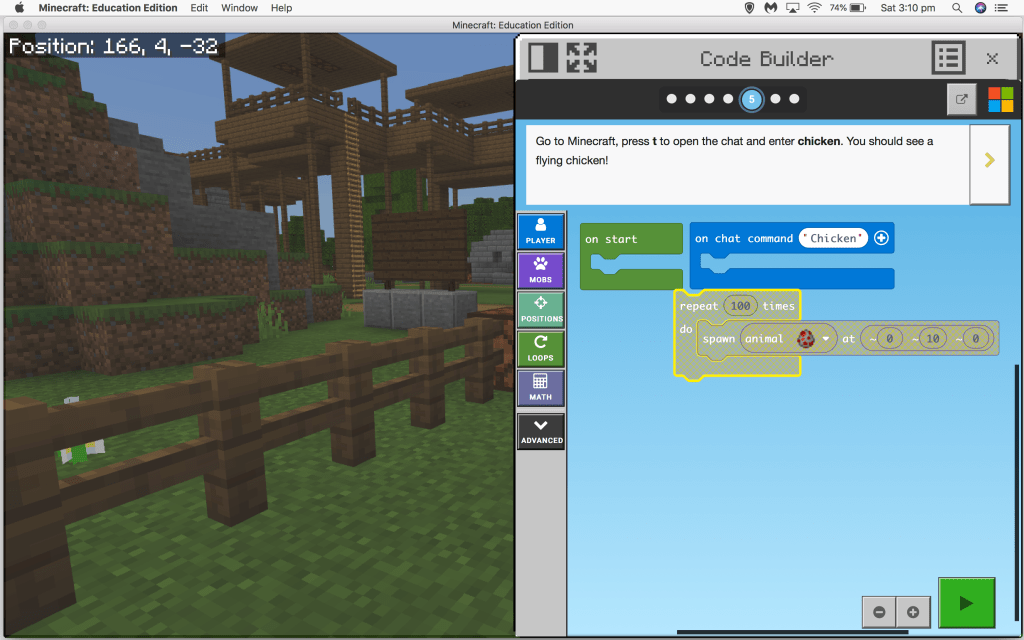
I did not explore the game for very long (this was not my choice, I am unfortunately a very busy person at the present!) but I do think that to begin with, it is important to give students time to explore the features before assigning a project. I used the “Code Builder Tutorial” to help get an understanding of the game and learn the basics. I will admit, I found some of the activities somewhat challenging! However, I think that with a bit more time I would definitely get the hang of it. In my experience, many children have already played Minecraft at home, so I think incorporating it into the classroom would be a fantastic opportunity to encourage those students to support others in learning the game.


Would I use it?
Most definitely! It could have a huge range of applications in the classroom and support student engagement. Minecraft Education has made it really easy to implement in the classroom and really easy to find resources. I can definitely see the value for students in terms of engagement and given that many students are already familiar with Minecraft, this may eliminate some of the cognitive load used on trying to use the game.
References
Bell, M. W. (2008). Toward a definition of virtual worlds. Journal of Virtual Worlds Research, 1(1), 1-5.
Bos, B., Wilder, L., Cook, M., & O’Donnell, R. (2014). ISTEM: Learning Mathematics through Minecraft. Teaching Children Mathematics, 21(1), 56-59.
Dezuanni, M. (2018). Minecraft and children’s digital making: Implications for media literacy education. Learning, Media and Technology, 43(3), 236-249.
Mojang. (2019). Homepage: Minecraft Education. Retrieved at https://education.minecraft.net/.
Overby, A., & Jones, B. (2015). Virtual LEGOs: Incorporating Minecraft into the Art Education Curriculum. Art Education, 68(1), 21-27.
Warburton, S. (2009). Second Life in higher education: Assessing the potential for and the barriers to deploying virtual worlds in learning and teaching. British Journal of Educational Technology, 40(3), 414-426.

 Kayla Chester EDCN865
Hi Kayla,
I am glad that you were able to give Minecraft a try! We have started using this quite a bit in Science and have found that it can be a great tool if used with strict parameters and guidelines of how to be successful in using the tool for learning activities. Without these in place, students can feel a bit lost and/or can use the program to not fully engage in learning activities. As you mentioned the lovely aspects of this platform is that there are lessons that are aligned with the Australian Curriculum. We have found that it can be a great tool for students to solve challenging problems with no limit on space or money, so a low stakes way to solve problems in a fun engaging way.
My main reservations is the technical skills that teachers may need to have to get to a level where this platform is useful, but as you said with time you would probably get the hang of it. I also worry about students becoming obsessed with using the platform outside of class. Balance is of course, key!
Are there any virtual reality programs for early childhood? I have never heard of any myself but wondering if you have used any in your class.
Thanks,
Julia
LikeLike